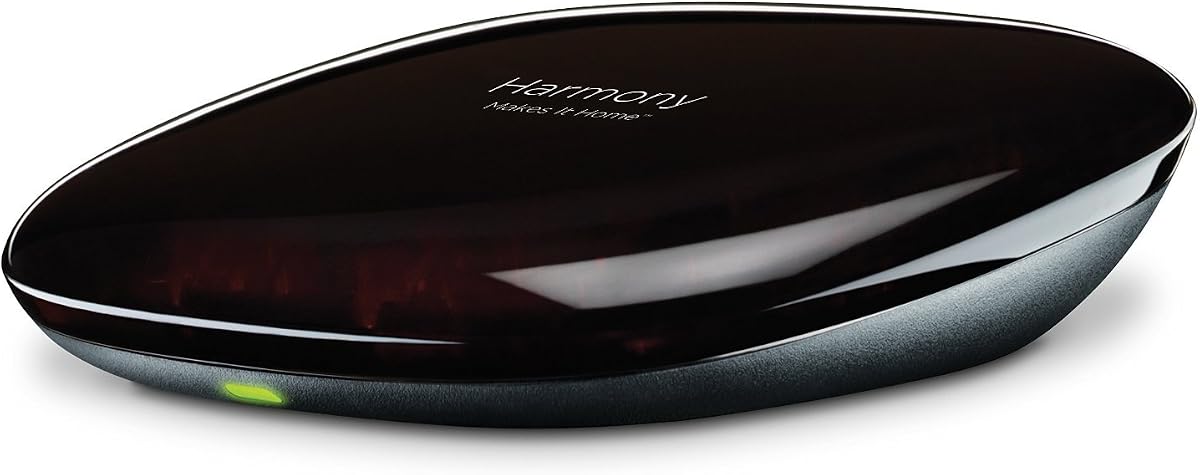
Logitech Harmony Home Hub (Renewed)
3.9Editor score
Compatible with Alexa voice control
Controls up to 8 devices
Closed cabinet control included
This expert guide compares the top Logitech Harmony Home Hub models available in October 2026 to help you find the right universal control solution.
Finding the right control solution for your home entertainment setup can be challenging. The Logitech Harmony Home Hub offers a unified way to manage multiple devices seamlessly. This guide explores the best options available to simplify your daily viewing experience.
We evaluated each model based on compatibility, app integration, and ease of use. Our comparison covers various versions including renewed options and premium kits. You will see how each hub handles different devices and smart home integrations effectively.
Each pick highlights specific strengths and limitations to match your needs. Prices and availability can change frequently so verify details before purchasing. Our goal is to provide clear insights for making an informed decision today.
3.9Editor score

3.9Editor score

3.7Editor score
This side-by-side comparison highlights the key specifications and features of each Logitech Harmony Home Hub model to help you identify the best fit for your setup.
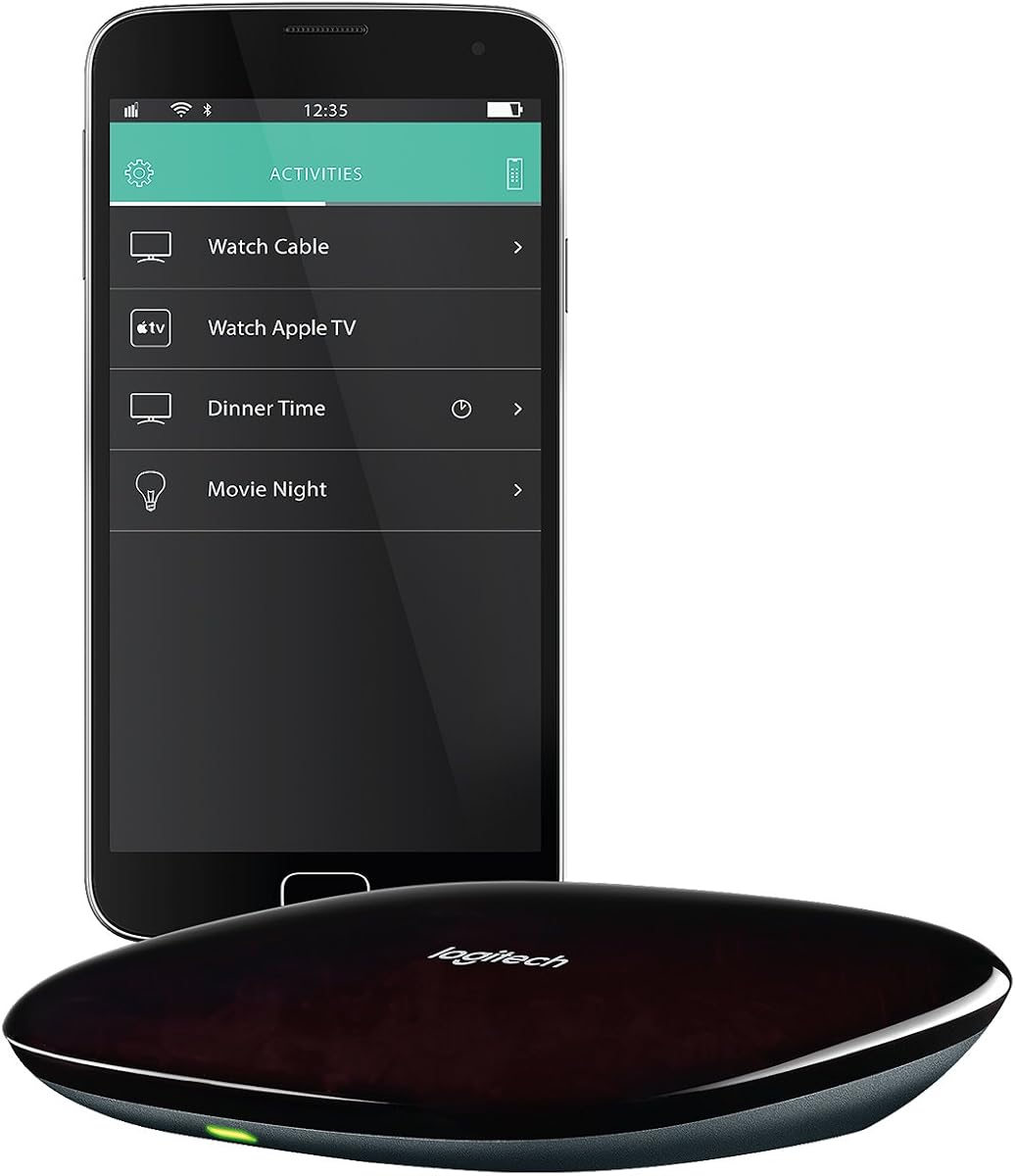


This basic hub model offers a straightforward way to control up to eight home entertainment devices. While it has a solid rating its discontinued status limits long-term support and updates.
We may earn a commission when you buy through this link, at no additional cost to you.
It serves well for users needing minimal integration without advanced features. The setup process is generally smooth for common devices like TVs and cable boxes.
The main trade-off is the lack of ongoing software improvements or new compatibility. This may affect performance over time as device firmware evolves.
Ideal for those seeking a simple solution without requiring premium features or voice control integration in their current setup.
Works with standard entertainment devices including TVs and streaming players.
Configuration is minimal for users who prefer plug-and-play functionality.
We may earn a commission when you buy through this link, at no additional cost to you.
This premium kit includes a hub remote and app for ultimate control over your home entertainment. It supports up to fifteen devices and features a vibrant touchscreen for easy navigation.
We may earn a commission when you buy through this link, at no additional cost to you.
Key strengths include One-touch Activities that automate device states with a single tap. Voice control via Alexa makes it convenient for hands-free operation throughout the room.
The investment is higher than basic hubs but justified by the advanced features and broad compatibility. The app interface enhances usability beyond physical buttons.
Best for users wanting centralized control with smart home integration and intuitive touchscreen operation.
Activities like watch a movie power on and adjust devices automatically.
Compatible with Philips Hue lights and other connected home products.
We may earn a commission when you buy through this link, at no additional cost to you.
The Smart Control combines a physical remote with a robust smartphone app for versatile management. It supports up to eight devices and includes features for hidden hardware control.
We may earn a commission when you buy through this link, at no additional cost to you.
Its flexibility allows users to choose between the app or remote based on preference. The removable battery in the remote adds convenience for long-term use.
Users must ensure Wi-Fi connectivity for full functionality which might be a hurdle in some setups. The app interface is intuitive for iOS and Android users.
This model suits households wanting both physical and mobile control options for their entertainment systems.
Smartphone app transforms your device into a powerful universal remote.
Works with major streaming platforms and console devices easily.
We may earn a commission when you buy through this link, at no additional cost to you.
This model focuses on the hub and mobile app for control without a dedicated physical remote. It supports up to eight devices and includes a mini-blaster for hidden equipment.
We may earn a commission when you buy through this link, at no additional cost to you.
Streaming services like Netflix and YouTube are accessible through compatible devices like Apple TV or Roku. The app provides intuitive swipe and tap navigation for daily use.
Lack of a physical remote may be a drawback for those preferring traditional button layouts. However the app offers robust customization for various entertainment needs.
Great for modern setups where smartphones serve as the primary control interface.
Turns your iOS or Android device into a universal remote.
Controls devices behind cabinet doors with the included mini-blaster.
We may earn a commission when you buy through this link, at no additional cost to you.
This renewed model provides access to Harmony features at a reduced cost. It supports up to eight devices and integrates well with Alexa for voice commands.
We may earn a commission when you buy through this link, at no additional cost to you.
Customized activities allow users to create scenarios like Date Night that control multiple devices simultaneously. The app interface offers swipe and tap control for ease of use.
Renewed items may have minor cosmetic wear but are tested for functionality. Buyers should check seller ratings for assurance on quality.
An excellent choice for budget-conscious users seeking smart home and entertainment control.
Works with Alexa to control entertainment devices using voice.
Create simple activities to control multiple devices at once.
We may earn a commission when you buy through this link, at no additional cost to you.
This renewed remote features a touch screen for modern interaction with your entertainment setup. It offers a sleek black finish and interactive controls for devices.
We may earn a commission when you buy through this link, at no additional cost to you.
The touch interface simplifies navigation through channels and settings. As a renewed unit it offers significant savings compared to purchasing new.
Battery performance may vary depending on prior usage cycles. Users should monitor battery life and replace when necessary for consistent performance.
Ideal for those wanting a touch screen experience without paying full retail price.
Navigate channels and settings easily with swipe gestures.
Renewed condition provides access at a lower price point.
We may earn a commission when you buy through this link, at no additional cost to you.
This renewed Elite kit offers high-end features at a reduced price point. It supports up to fifteen devices and includes a full color touchscreen for intuitive control.
We may earn a commission when you buy through this link, at no additional cost to you.
Voice integration with Alexa allows for hands-free operation of activities and devices. The app transforms smartphones into comprehensive control centers for the house.
Lower ratings may reflect varied battery health in renewed units. Buyers should inspect condition reports and understand warranty terms thoroughly.
Best for those seeking top-tier features with budget constraints in mind.
Provides same advanced controls as new Elite models.
Significant savings compared to purchasing brand new kits.
We may earn a commission when you buy through this link, at no additional cost to you.
This renewed kit includes the hub remote and app for comprehensive control. It maintains a strong rating and offers full Harmony functionality for entertainment systems.
We may earn a commission when you buy through this link, at no additional cost to you.
Users receive all necessary components to start control immediately. The app allows for centralized management of devices and activities easily.
Battery health may be the main variable in renewed units. Checking seller descriptions helps manage expectations regarding battery life.
A strong contender for those wanting a complete set without premium pricing.
Hub and remote provided for immediate setup and use.
App enables control of entire home entertainment from smartphone.
We may earn a commission when you buy through this link, at no additional cost to you.
This renewed remote offers powerful control capabilities including support for up to fifteen devices. The full color touchscreen simplifies navigation and activity selection.
We may earn a commission when you buy through this link, at no additional cost to you.
One-touch activities automate device states for streamlined viewing experiences. It works with major brands and integrates with connected home devices.
Ensure you have a compatible hub for full functionality as this is the remote unit. Battery performance may require monitoring over time.
Excellent for upgrading existing setups with a premium touch screen remote.
Manage complex setups with intuitive touch interface and buttons.
Works with TVs and gaming consoles and smart lighting systems.
We may earn a commission when you buy through this link, at no additional cost to you.
This legacy model features a large 3.5-inch color touch screen for easy navigation. It supports over five thousand brands and offers RF wireless capabilities for better range.
We may earn a commission when you buy through this link, at no additional cost to you.
One-touch activity-based controls simplify operation across multiple devices. The rechargeable battery and charging stand add convenience for daily use.
As an older model it may lack newer smart home integrations like voice assistants. Still it remains robust for traditional entertainment device management.
Suitable for users who prefer physical screens over smartphone dependency for control.
Controls devices even when they are not in direct line of sight.
Customizable commands and icons for personalized user experience.
We may earn a commission when you buy through this link, at no additional cost to you.
Selecting the right Hub model depends on your specific needs and devices. This section outlines key factors to consider before making your purchase.
Ensure the hub supports all your entertainment devices including TVs and consoles. Check the official database for specific brand matches before buying.
Compatibility is critical to ensure seamless control without extra IR remotes.
Look for models that support lights and locks or thermostats if you have a smart home. Alexa compatibility allows for voice control convenience.
Integration expands the hub beyond entertainment to full room automation.
Decide between a physical remote or app-only control based on preference. Touchscreens offer modern navigation while buttons may be easier for some.
Your daily usage habits should dictate the interface choice.
If your devices are hidden behind doors you need a hub with IR blasters. Some models include these directly while others require separate purchases.
Closed cabinet support is essential for clean setups without open shelves.
One-touch Activities let you automate multiple actions with a single command. This feature simplifies complex setups and reduces steps to start content.
Prioritize models that allow deep customization of activity states.
Wi-Fi hubs offer better remote access and software updates than IR-only options. RF options provide better range through obstacles compared to line-of-sight IR.
Choose connectivity that fits your room layout and network environment.
Renewed units offer savings but check warranty terms carefully before purchase. New units come with full manufacturer support and longer guarantees.
Weigh cost savings against potential risks with used or renewed stock.
The companion app is central to setup and daily operation for most models. Ensure your phone OS is supported before committing to an app-dependent hub.
A smooth app experience improves overall satisfaction with the system.
Start by downloading the Harmony app on your smartphone or tablet. Follow the on-screen instructions to connect your hub to your Wi-Fi network securely.
Once connected add each device individually from the supported list. Configure activities to automate common scenarios like watching movies or turning off lights.
Regularly update the hub firmware through the app to maintain performance. Clean the remote screen with a soft dry cloth and avoid direct sunlight to preserve the display.
Some models include a physical remote so you do not need a smartphone for basic control. However setup and advanced features like Activities typically require the app.
Yes models like the Ultimate Hub include IR mini-blasters for this purpose. You may need to attach the blaster to the hidden device for proper signaling.
Voice control via Alexa is supported on most newer models including Elite versions. Older hubs may not have native voice integration without additional bridges.
Most hubs support up to eight devices while Elite kits can handle up to fifteen. This limit includes TVs and soundbars and smart home devices combined.
Renewed units are previously owned items restored to functional condition. They are cheaper but may come with shorter warranties and cosmetic signs of use.
Some remotes have removable batteries that are user replaceable. Others have internal rechargeable packs requiring a replacement unit when battery life fails.
You typically need one hub per room if devices are not networked together. The hubs work locally so multiple units can run independently in separate spaces.
Yes the Harmony app is compatible with both iOS and Android tablets. This allows for larger control interfaces suitable for bedside or living room use.
Our top picks highlight the best balance of features and value across the lineup. The Elite kit leads for power while the Home Hub offers essential smart control.
Prioritize compatibility and activities features to get the most utility from your hub. Ensure your devices are supported before purchase to avoid setup issues.
Check current prices and availability as stock changes frequently on the platform. Use our links to compare details and secure the best deal for your needs.