
Amazon Fire HD 8 Kids
4.6Editor score
Bright 8 inch HD screen
Up to 13 hours battery
32GB internal storage
Finding the right tablet for young children requires balancing safety, durability, and educational value. Parents need devices that withstand drops while offering age-appropriate content that supports learning and creative play throughout the day.
We evaluated ten leading options based on battery life, screen quality, parental control features, and included software subscriptions. Our analysis focuses on models designed specifically for toddlers and early elementary students to ensure long-term usability.
Each selection highlights unique strengths like rugged cases, extended warranties, or specific educational ecosystems. Keep in mind that pricing and availability fluctuate frequently, so verify current details before making your final purchase decision.
4.6Editor score

4.3Editor score

4.0Editor score
As an Amazon Associate we earn from qualifying purchases.
The following table provides a side-by-side overview of key specifications and features for all ten selected tablets to help you quickly identify the model that best fits your family needs.


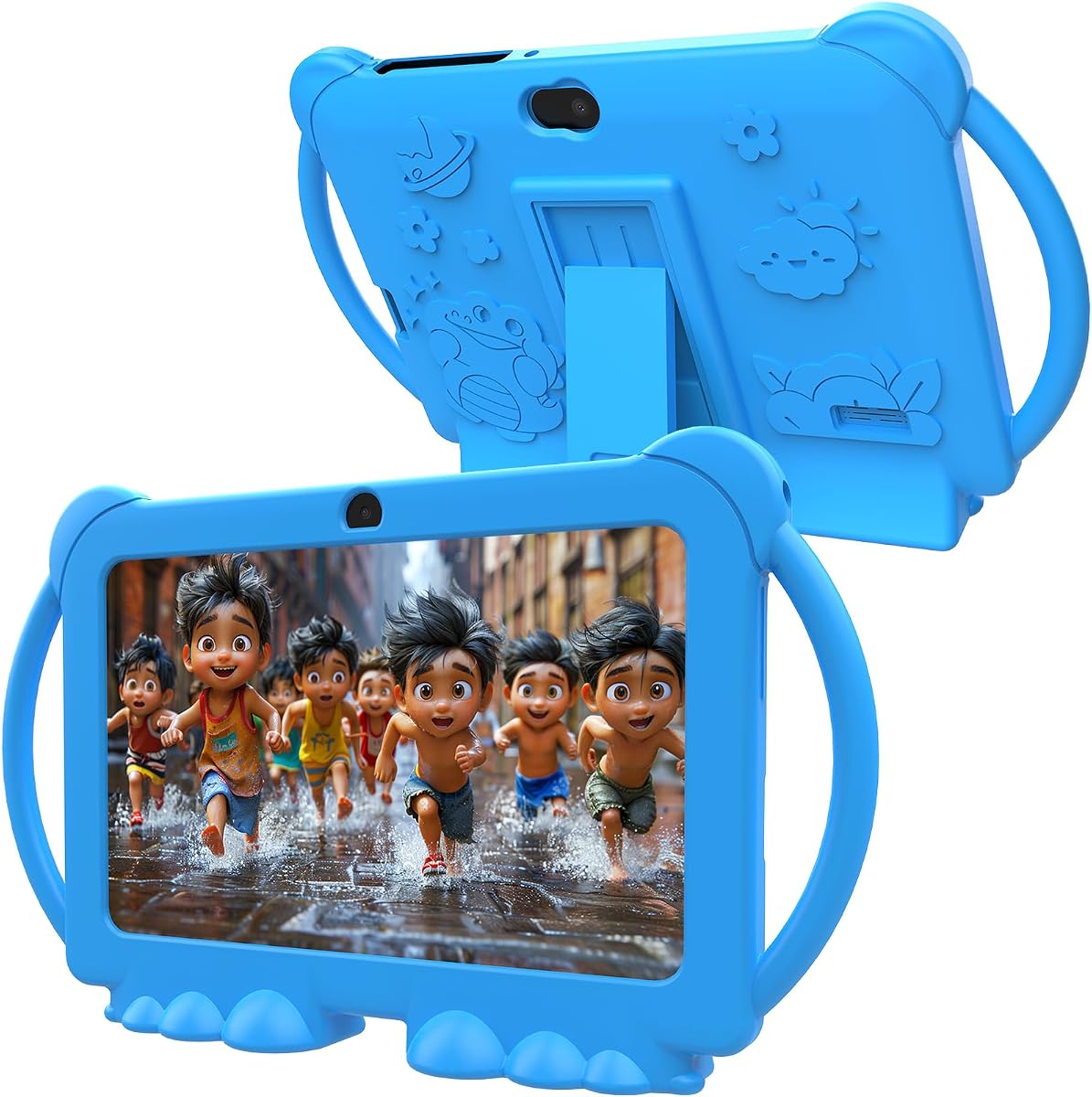


The Amazon Fire 7 Kids stands out as the top choice for families seeking a reliable and affordable device. With a strong rating and thousands of positive reviews, it offers a complete package including content and protection.
We may earn a commission when you buy through this link, at no additional cost to you.
This tablet includes a one-year subscription to Amazon Kids+, providing thousands of ad-free books, videos, and apps. The built-in parental controls allow guardians to set time limits and educational goals easily through a simple dashboard.
While the storage is limited to 16 gigabytes, the device supports expansion via microSD cards up to one terabyte. The included kid-proof case ensures durability, making it suitable for rough handling by young children.
Parents should buy this tablet if they want a turnkey solution with excellent customer support. The two-year worry-free guarantee means replacement is free if the device breaks, adding significant value to the purchase.
The included Amazon Kids+ subscription offers access to trusted brands like Disney and PBS Kids ensuring endless educational entertainment.
The two-year guarantee allows parents to return broken tablets for free replacement reducing long-term ownership risks significantly.
We may earn a commission when you buy through this link, at no additional cost to you.
The Amazon Fire HD 8 Kids delivers enhanced performance and a larger display for families willing to invest in a premium experience. Its higher rating reflects user satisfaction with the screen quality and longer battery duration.
We may earn a commission when you buy through this link, at no additional cost to you.
With an eight-inch HD display, this tablet offers sharper visuals for watching videos or reading digital books. The thirty-two gigabytes of internal storage accommodate more apps and downloads without needing immediate external expansion.
The battery life extends up to thirteen hours, supporting all-day use without frequent charging. The device also features strengthened aluminosilicate glass for added screen durability within the included kid-proof case.
Choose this model if screen clarity and storage capacity are priorities. The improved RAM ensures smoother multitasking for educational apps and interactive games compared to lower-end competitors.
The eight-inch HD screen provides crisp visuals that make learning apps and streaming content more engaging for young users.
With thirteen hours of battery life parents can take this tablet on long trips without worrying about finding power outlets.
We may earn a commission when you buy through this link, at no additional cost to you.
This generic 7-inch tablet offers a budget-friendly entry point into Android-based kids devices. It appeals to families who prefer standard Android access and higher RAM at a lower cost than branded alternatives.
We may earn a commission when you buy through this link, at no additional cost to you.
Running on Android 12, it supports downloads from the Google Play Store giving access to a vast library of applications. The 4GB of RAM helps manage multiple apps simultaneously without significant lag during use.
A shockproof case and stand are included to protect the device during play. While the brand is less established, the specifications provide solid value for basic educational needs and entertainment.
Buy this tablet if you need a cost-effective device for short-term use or as a secondary unit. Verify parental control options carefully since they may be less refined than those on dedicated kids platforms.
Standard Android access allows parents to install any compatible app from Google Play offering unlimited customization options.
With 4GB RAM and 32GB storage this model offers performance specs typically found on much higher priced devices.
We may earn a commission when you buy through this link, at no additional cost to you.
The YosaToo Kids Tablet distinguishes itself with pre-installed offline learning apps ideal for travel or areas with poor internet. It runs on the latest Android 16 system ensuring compatibility with modern applications.
We may earn a commission when you buy through this link, at no additional cost to you.
Children can access Montessori-style games and creative tools without needing a constant WiFi connection. This feature is particularly valuable for long car rides or air travel where data usage might be restricted.
Parental controls allow filtering of content and setting time limits. The included drop-proof case protects against common toddler accidents ensuring the screen remains intact over time.
Select this tablet for families who travel often or have limited home internet access. The combination of new software features and offline capability offers a unique advantage in this category.
Pre-loaded apps allow children to continue educational play during flights or road trips without needing internet connectivity.
Running Android 16 ensures long-term software compatibility and access to newer educational games compared to older Android versions.
We may earn a commission when you buy through this link, at no additional cost to you.
Designed for older children, the Fire HD 8 Kids Pro features a sleeker case and more mature interface. It includes six-four gigabytes of storage allowing for substantial media libraries and larger applications.
We may earn a commission when you buy through this link, at no additional cost to you.
The device enables independent web browsing with guardrails to filter inappropriate sites. Parents can approve requests and manage content remotely ensuring a safe online environment as children grow independent.
Battery life reaches up to thirteen hours supporting full school days or weekend trips. The included slim case maintains protection without the bulky look of standard toddler models.
Parents of children nearing elementary age should consider this model for its balanced features. The ability to browse the web safely is a critical step for digital literacy development.
Built-in web browsers with guardrails let kids explore the internet safely while parents maintain oversight through approval settings.
With 64GB internal storage older children can store more educational projects and games without needing extra memory cards.
We may earn a commission when you buy through this link, at no additional cost to you.
The PEICHENG Kids Tablet offers a unique dual camera setup with a five megapixel rear lens suitable for capturing photos. It runs Android 12 providing a familiar interface for parents familiar with standard mobile systems.
We may earn a commission when you buy through this link, at no additional cost to you.
Bluetooth connectivity allows connection to headphones or speakers for private listening or better audio quality. The IPS screen ensures decent viewing angles which is helpful when multiple children share the device.
Parental controls are functional but may lack the depth of dedicated kids platforms. The included shockproof case offers standard protection against minor drops and bumps during daily use.
Choose this model if capturing images is a priority for your child's creative play. Verify camera performance expectations since budget Android tablets often vary in image quality.
The five megapixel rear camera enables children to take clear photos for school projects or creative documentation.
Bluetooth support allows parents to connect wireless headphones preventing screen distraction or noise disturbance in shared spaces.
We may earn a commission when you buy through this link, at no additional cost to you.
Featuring a ten-inch display, this tablet provides ample screen space for reading or multitasking. The eight gigabytes of RAM ensure smooth performance even when running multiple educational applications simultaneously.
We may earn a commission when you buy through this link, at no additional cost to you.
Eye comfort technology adjusts brightness automatically to reduce strain during long sessions. The device runs Android 16 offering the latest features and security patches available for Android systems.
Parental controls include learning goals and time management tools. The included case protects the larger form factor though it adds some weight for small hands to carry.
Families preferring bigger screens for shared viewing should consider this model. The high RAM makes it suitable for more intensive educational software that requires greater processing power.
The ten-inch screen reduces the need to zoom in on text making reading easier for developing eyes.
With 8GB of RAM this tablet handles demanding apps better than most budget tablets with standard memory.
We may earn a commission when you buy through this link, at no additional cost to you.
The HOTTABLET Kids Tablet provides comprehensive connectivity with both WiFi and Bluetooth options for accessories. The dual camera setup supports creative projects like photo editing or simple video recording.
We may earn a commission when you buy through this link, at no additional cost to you.
Parental controls allow filtering of websites and managing screen time. The included silicone case adds a layer of soft protection that helps absorb shocks from accidental drops.
Battery life supports around eight hours of mixed use which is suitable for daily home use. The system runs Android 12 allowing access to standard apps via the Google Play store.
This model fits families who need reliable connectivity for audio accessories. Ensure the case fits securely as silicone cases can sometimes become loose over time with frequent handling.
Bluetooth connectivity enables connection to external speakers or headphones enhancing audio quality for educational content.
Dual cameras allow children to engage in digital photography which supports visual learning and artistic development.
We may earn a commission when you buy through this link, at no additional cost to you.
Equipped with a six thousand mAh battery, this tablet offers extended usage between charges. The large ten-inch screen paired with an octa-core processor supports smooth performance for educational and entertainment apps.
We may earn a commission when you buy through this link, at no additional cost to you.
Parental control systems allow parents to manage time and filter content effectively. The operating system is Android 16 ensuring access to the latest app ecosystem and security updates.
The build quality feels sturdy enough for daily use though it may be heavy for toddlers to hold for long periods. Face recognition features add a touch of convenience for waking the device quickly.
Consider this for older children who need long battery life for school projects. The large storage capacity allows saving substantial video content locally without frequent deletion.
The 6000mAh battery provides enough energy for full days of learning without requiring mid-day charging interruptions.
PD fast charging support ensures the device can be powered up quickly during short breaks in the day.
We may earn a commission when you buy through this link, at no additional cost to you.
The PRITOM Kids Tablet features a simplified child-friendly interface designed for ease of navigation. It comes pre-installed with educational apps and games ensuring immediate usability out of the box.
We may earn a commission when you buy through this link, at no additional cost to you.
Parental controls manage time limits and app access to maintain a safe environment. The use of USB Type-C charging aligns with modern standards allowing use of standard cables.
Battery and performance are adequate for basic tasks like watching videos or playing simple games. The included case provides necessary protection though it lacks some ergonomic features of pricier models.
This option suits families seeking a simple device with minimal setup. Verify warranty terms carefully as support services may be less accessible than with major tech brands.
The child-friendly interface simplifies navigation allowing young users to find apps independently without frustration.
USB Type-C charging ensures compatibility with most current phone chargers reducing the need for proprietary cables.
We may earn a commission when you buy through this link, at no additional cost to you.
Selecting the right tablet involves evaluating hardware specifications, software safety, and durability features to ensure the device supports learning without compromising safety.
Most tablets run on Android or Fire OS. Fire OS provides a highly curated environment with strict parental controls but limits access to some Google apps. Standard Android offers more flexibility but requires careful setup to ensure safety.
Choose a system that aligns with your comfort level managing apps. Fire tablets offer the simplest out-of-the-box experience while Android allows more customization.
Screen sizes range from seven to ten inches. Smaller screens are more portable but may limit readability for text-heavy educational apps. Larger screens provide better visuals but add weight and bulk.
Consider your child's ability to hold the device. A seven-inch screen is generally lighter and easier for smaller hands to manage during reading or drawing activities.
Battery life varies significantly by model. Devices with ten to thirteen hours of battery are preferable for travel or all-day use. Shorter battery life may lead to interruptions in learning or entertainment.
Prioritize models with at least ten hours of rated battery. This ensures the device lasts through a typical day without needing to be tethered to a charger.
Rough handling is inevitable with young children. Look for tablets that include shockproof cases with built-in stands. These features prevent damage from drops and allow for hands-free viewing.
Always verify if a protective case is included in the box. Buying a separate rugged case later adds cost and delays the device usage.
Robust parental controls allow setting time limits, filtering content, and tracking activity. Dedicated kids tablets usually offer more granular controls than generic Android devices.
Ensure the control interface is user-friendly for you. A complicated dashboard may lead to inconsistent monitoring or frustration when adjusting settings.
Internal storage can fill quickly with videos and apps. Models supporting microSD expansion allow for growing content libraries without purchasing a new device.
Check if the tablet supports high-capacity memory cards. Even if you start with low storage, expandability future-proofs your investment for years of use.
Accidents happen even with protection. Brands like Amazon offer two-year worry-free guarantees that replace broken units for free. Third-party brands often have shorter or more restrictive warranties.
Consider the long-term value of a strong warranty. The cost of replacing a broken device without a warranty can exceed the initial price of the tablet.
Many tablets include subscriptions to services like Amazon Kids+ or Google Kids Space. These provide pre-vetted content that is safe and age-appropriate for development.
Review the content library before purchasing. Ensure the included apps match your educational goals and that the subscription renewal costs are acceptable.
Begin by setting up parental controls immediately after unboxing. Create a separate profile for your child and configure screen time limits to establish healthy usage habits from the start.
Regularly update the operating system and applications to maintain security. Most tablets will notify you when updates are available. Schedule these updates during times when the device is not needed.
Clean the screen with a soft, dry cloth to avoid scratching the display. Keep liquids away from the charging port and case seams to prevent internal damage to the battery or components.
Yes, when using a dedicated kids tablet with parental controls. These devices filter content and limit screen time to ensure safety. Always choose models with built-in eye protection features to reduce strain.
Dedicated kids tablets like Fire OS often restrict standard app access to maintain safety. Android tablets allow more flexibility but require manual filtering. Check app compatibility before purchasing.
Experts recommend limiting screen time to one hour per day for children under two and moderate use for older kids. Use parental tools to enforce these limits automatically.
Most models support microSD cards to expand storage capacity. Verify the maximum supported size in the product details. This allows saving more videos without buying a larger device.
Major brands typically include a rugged case with their kids editions. Budget Android tablets may offer a basic cover but check the package contents carefully. A good case is essential for durability.
For travel, look for tablets offering at least ten hours of battery life. Models with thirteen hours are ideal for long flights. Ensure the battery capacity supports your typical usage duration.
Many models support Bluetooth headphones for private listening. Some budget tablets may lack Bluetooth and rely on physical jacks. Verify connectivity options based on your audio needs.
Fire tablets include filtered web browsers for safe surfing. Android tablets allow full internet access unless restricted by parental tools. Always enable content filters before giving internet access to a child.
The Amazon Fire 7 and HD 8 Kids tablets lead the market with their comprehensive protection plans and curated content. They offer peace of mind for parents concerned about accidental damage.
For those seeking Android flexibility, the 7-inch budget options provide cost-effective alternatives with decent specifications. Prioritize models with at least 4GB RAM to ensure smooth performance over time.
Always verify current prices and warranty terms before purchase. Specifications and offers change frequently so checking the latest details ensures you get the best value for your family.