
Seagate 1TB Mobile HDD
4.4Editor score
Compact 2.5 inch form factor
Lightweight for portable use
SATA 6Gb/s interface
Finding the right hard drive for Jellyfin is essential for smooth media streaming and reliable storage. You need drives that handle continuous read writes without lag or data loss over time.
We compared ten top rated internal and external drives based on capacity reliability and NAS compatibility. Each option was evaluated for performance and workload ratings to fit different server setups.
Each pick shows key specs and real user feedback to help you decide quickly. Remember that prices and availability change frequently so check current listings before purchasing your drive today.
4.4Editor score

4.2Editor score

4.5Editor score
As an Amazon Associate we earn from qualifying purchases.
Below is a side by side comparison of all ten hard drives evaluated for Jellyfin servers. Each entry includes key specifications and links to detailed reviews.





The Western Digital 8TB WD Red Plus stands out as a top choice for Jellyfin servers due to its NAS optimized design. It holds a 4.2 rating from users who value stability and continuous operation in multi drive environments.
We may earn a commission when you buy through this link, at no additional cost to you.
Its CMR technology ensures data integrity during heavy writes which is critical for media libraries that update frequently. The drive supports workload rates up to 180TB per year making it suitable for large streaming setups with multiple users.
While the price is higher than desktop drives the reliability and firmware compatibility justify the investment for serious Jellyfin builds. Users report consistent performance over long periods without unexpected failures or speed drops.
If you are building a dedicated media server that needs to run 24×7 this drive should be your primary choice. It balances capacity and endurance well for households with extensive video collections.
NASware firmware optimizes vibration control and thermal management for multi bay enclosures used in home server racks.
The 180TB yearly workload rating means the drive handles continuous reading and writing without wear typical in consumer desktops.
We may earn a commission when you buy through this link, at no additional cost to you.
The Seagate IronWolf 4TB is designed for RAID network attached storage which makes it ideal for Jellyfin environments requiring redundancy. It earns a 4.5 rating from users who need reliable storage across multiple drives.
We may earn a commission when you buy through this link, at no additional cost to you.
Its integrated health management system lets you monitor drive status easily ensuring early detection of potential issues before they affect streaming. The included Rescue Data Recovery Services add peace of mind for valuable media collections.
The 4TB capacity is decent for smaller libraries but may require expansion soon for high resolution video. The drive runs quietly and vibrates less than standard drives fitting well in living room NAS units.
Choose this if you want enterprise grade features in a consumer package for your Jellyfin server. It is a strong fit for users prioritizing data safety and health monitoring.
Integrated IronWolf Health Management tracks SMART data to alert you before failures impact media availability.
Three years of Rescue Data Recovery Services ensure you can retrieve lost data if the drive fails unexpectedly.
We may earn a commission when you buy through this link, at no additional cost to you.
The Seagate 1TB Mobile HDD is perfect for beginners or small Jellyfin instances where budget and size matter most. It has a 4.4 rating from users needing portable or low cost storage solutions.
We may earn a commission when you buy through this link, at no additional cost to you.
Its 7mm thin profile fits into slim laptop drives or small enclosures making it versatile for limited space setups. The drive supports standard SATA 6Gb/s interfaces ensuring compatibility with most server boards.
While 1TB fills up fast with HD videos it serves well as a boot drive or for limited movie libraries. The price point is hard to beat for basic needs without sacrificing core performance.
If you are testing Jellyfin on a tight budget this drive provides a solid entry point. It is also useful as an external secondary storage option when paired with a docking station.
The thin profile allows installation in compact cases where space is restricted for media server builds.
Low cost makes it accessible for users starting their home server journey without large upfront investment.
We may earn a commission when you buy through this link, at no additional cost to you.
The Seagate BarraCuda 8TB offers excellent value for general Jellyfin storage with a strong 4.7 rating from satisfied buyers. It balances cost and capacity effectively for users who do not need enterprise features.
We may earn a commission when you buy through this link, at no additional cost to you.
With a sustained transfer rate of 190MB/s it handles media loading times well for most households. The 8TB capacity provides ample room for thousands of HD videos and music files.
It lacks specific NAS optimization so it may wear faster in 24×7 environments compared to Red or IronWolf drives. The packaging is minimal which reduces waste but may leave the drive vulnerable during shipping.
Choose this for cost effective single drive setups where budget is a priority. It works well for small server builds or secondary storage in existing home PC systems.
190MB/s sustained rate ensures smooth playback buffering for streaming without stuttering or lag.
Competitive price makes it a top option for users needing large storage without premium costs.
We may earn a commission when you buy through this link, at no additional cost to you.
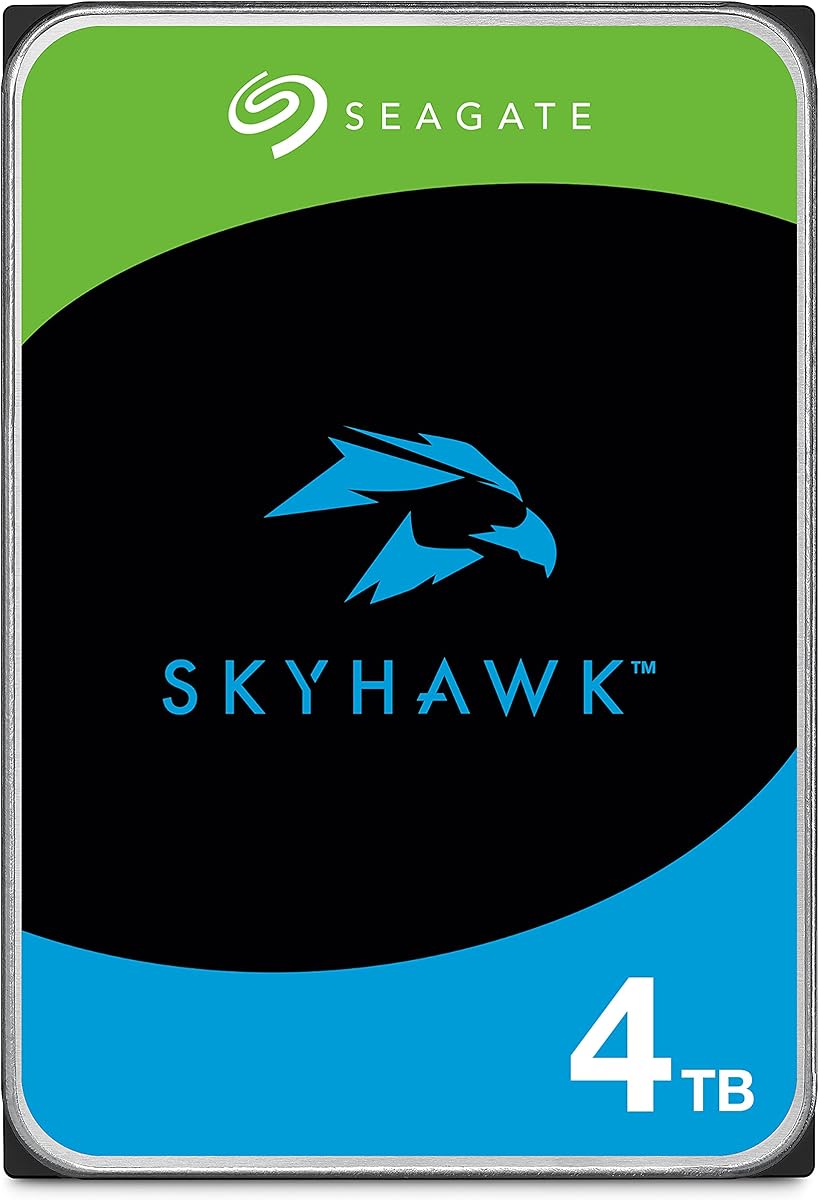
The Seagate Skyhawk 4TB is built for video workloads which aligns well with Jellyfin streaming needs. It holds a 4.4 rating from users who prioritize sustained read performance and reliability.
We may earn a commission when you buy through this link, at no additional cost to you.
RV sensors help maintain performance in multi bay systems reducing vibration issues when multiple drives run together. The drive supports up to 180TB yearly workload making it durable for continuous operation.
It is tuned for writing video streams which translates to smooth playback on media servers. However the price is slightly higher than standard desktop drives which may affect budget builds.
If you run many streams or multiple users this drive ensures consistent delivery without dropped frames. It is a solid pick for dedicated media servers where stability is more important than raw speed.
Rotational Vibration sensors maintain performance in multi drive enclosures common in home server racks.
Firmware optimized for video ensures smooth streaming without glitches during high load playback.
We may earn a commission when you buy through this link, at no additional cost to you.
The WD Purple 6TB is engineered for continuous streaming workloads making it reliable for Jellyfin media libraries. It carries a 4.5 rating from users who value endurance and consistent performance.
We may earn a commission when you buy through this link, at no additional cost to you.
AllFrame AI technology enhances workload rates for systems handling multiple streams simultaneously. The 128MB cache helps buffer data to prevent interruptions during playback of high bitrate content.
While designed for surveillance it translates well to media server environments requiring steady read operations. The 6TB capacity is a middle ground suitable for growing libraries without oversizing.
Use this if you want a drive that thrives on constant streaming activity. It is especially useful for households with several users accessing media concurrently.
AllFrame AI technology boosts workload rates for complex multi stream environments typical in media servers.
Tuned for continuous writing ensures reliable playback without interruption even during high usage periods.
We may earn a commission when you buy through this link, at no additional cost to you.
The Seagate One Touch 8TB is a great external option for Jellyfin when internal slots are limited. It has a 4.6 rating from users appreciating plug and play simplicity.
We may earn a commission when you buy through this link, at no additional cost to you.
Bus powered USB-C means no extra power supply is needed making setup cleaner and simpler. The Rescue Data Recovery Services add value by protecting against accidental data loss.
Though slower than internal SATA drives it is sufficient for most streaming needs when connected via USB 3.0 or higher. The 8TB capacity ensures ample space for large media collections.
Choose this if you need to expand storage quickly without opening your server case. It is ideal for portable setups or temporary library storage.
Bus powered design removes the need for extra outlets or power bricks in cramped server spaces.
Included recovery services help retrieve lost data ensuring peace of mind for important media files.
We may earn a commission when you buy through this link, at no additional cost to you.
The Seagate Skyhawk 4TB V2 offers reliable performance for Jellyfin streaming with its specialized firmware. It earns a 4.6 rating from users needing stability over raw speed.
We may earn a commission when you buy through this link, at no additional cost to you.
Image Perfect firmware ensures crisp continuous video workloads reducing dropped frames during playback. RV sensors maintain performance in multi drive systems which is essential for scalable server racks.
The 4TB size is moderate and may not hold high bitrate 4K libraries but it works well for mixed media. It comes with in-house Rescue Services to protect data integrity.
Pick this for stable streaming setups where frame loss is not acceptable. It is a balanced choice for users prioritizing reliability in daily use.
Image Perfect firmware optimizes for continuous video streams ensuring smooth playback without frame drops.
Rotational Vibration sensors keep performance steady even with multiple drives in close proximity.
We may earn a commission when you buy through this link, at no additional cost to you.
The WD Blue 12TB provides massive capacity for large Jellyfin libraries that need all files local. It holds a 4.6 rating from users valuing storage density and speed.
We may earn a commission when you buy through this link, at no additional cost to you.
Its 7200 RPM speed and 512MB cache allow fast data access and quick loading of media metadata. Free cloning software helps migrate data easily when upgrading old drives.
Though not NAS optimized the drive handles standard workloads well for most home users. The 12TB capacity reduces need for frequent drives but the price is higher than smaller options.
Use this if you have thousands of HD files and prefer fewer physical drives. It fits well in setups prioritizing capacity over enterprise features.
7200 RPM ensures rapid access to large files keeping playback loading times minimal for users.
12TB allows storing extensive libraries without needing multiple drives or complex storage arrays.
We may earn a commission when you buy through this link, at no additional cost to you.
The Seagate IronWolf 6TB is designed for NAS servers making it suitable for Jellyfin homes with many users. It has a 4.4 rating from users needing stable multi drive performance.
We may earn a commission when you buy through this link, at no additional cost to you.
Its 256MB cache helps buffer data for multiple simultaneous streams ensuring smooth access. The 5400 RPM speed balances power efficiency and longevity for continuous operation.
The 6TB capacity is ideal for mid size libraries needing room to grow. It handles RAID configurations well which adds redundancy for critical media collections.
If you need a middle ground between capacity and NAS features this drive is a solid fit. It works best in multi user homes where reliability is key.
Optimized for multi user environments ensuring consistent performance when several people access media at once.
Works well in RAID setups providing redundancy to protect valuable media libraries from drive failure.
We may earn a commission when you buy through this link, at no additional cost to you.
Choosing the right drive for Jellyfin involves balancing capacity reliability and workload ratings. Consider the following factors to match your media server needs.
Determine how much media you store by estimating file sizes for your library. 4TB to 8TB works for most households while 12TB suits larger collections.
Select drives that provide enough space for growth over years to avoid frequent upgrades.
Workload ratings indicate how much data a drive can handle annually without wear. Look for 180TB or higher for continuous streaming use.
Higher workload ratings extend drive life in 24×7 server environments.
CMR drives use conventional magnetic recording for better reliability during writes. SMR drives may slow down or fail under heavy workloads.
Always choose CMR for servers to ensure consistent performance and data safety.
NAS optimized drives include firmware for vibration control and thermal management. These are better for multi drive enclosures.
Optimization helps maintain stability when multiple drives run together in a server case.
Larger cache buffers data during read operations improving speed for multiple users. Look for 256MB or higher for better throughput.
More cache ensures smoother playback during peak usage times.
7200 RPM offers faster access but higher power and heat. 5400 RPM is quieter and more efficient for storage.
Choose 5400 RPM if you prioritize longevity and noise reduction.
Check warranty length and availability of data recovery services. Three years plus recovery helps protect valuable media.
Strong warranty terms add confidence in drive longevity and support.
Internal drives connect directly to server boards for best performance. External drives offer flexibility but may be slower.
Use internal for primary storage and external for backups or expansions.
Install drives in enclosures with proper airflow to prevent overheating. Use anti-static bags and handle by edges to avoid damage.
Set up RAID arrays or regular backups using tools like Acronis. Enable health monitoring tools to track SMART data for early warnings.
Keep firmware updated through manufacturer software and avoid sudden power loss. Regularly scan for errors to maintain long term stability.
The Western Digital 8TB WD Red Plus is ideal for most users due to its CMR technology and high workload rating. It handles continuous reads well and offers reliable performance.
Yes CMR drives are recommended because they provide better write performance and durability. SMR drives can slow down under heavy media streaming loads.
For HD video 8TB is usually sufficient while 12TB is better for 4K collections. Estimate based on your current library and expected growth.
External drives work for backups or secondary storage but internal drives perform better for primary libraries. Use USB 3.0 or higher for best speeds.
5400 RPM drives are preferred for home servers due to lower heat and noise. They offer enough speed for streaming while lasting longer.
RAID is not required but it protects against drive failure for valuable media. Use it if you cannot afford to lose library data.
It is recommended to use a small SSD for the OS and separate HDDs for media. This improves speed and makes backups easier.
Use UPS for power protection and ensure good airflow in your case. Monitor health regularly to detect issues before failure.
The Western Digital Red Plus and Seagate IronWolf lead our picks for reliability and NAS optimization. These ensure smooth streaming and long term storage.
Prioritize CMR and high workload ratings for servers running 24×7. Budget options like Mobile HDDs work for smaller setups.
Always check current prices and availability before buying. Prices change often so verify listings to secure the best deal.