
KTRIO Large Gaming Mouse Pad Desk Mat for Gamer
4.7Editor score
31.5 x 11.8 inch extended size
Anti-fray stitched edges
Water-resistant surface coating
A high-quality gaming pad for desks transforms your workspace into a dedicated performance zone. It provides a consistent surface for precise mouse tracking while protecting your desk from scratches and wear during intense sessions.
We evaluated ten leading options based on surface material, edge construction, base grip, and overall dimensions. Each product offers unique benefits for different desk sizes, gaming styles, and aesthetic preferences.
Each pick highlights specific strengths like smooth glide, water resistance, or extra-large coverage. Keep in mind that availability and costs may fluctuate over time, so check current listings before purchasing.
4.7Editor score

4.7Editor score

4.5Editor score
As an Amazon Associate we earn from qualifying purchases.
Below is a side-by-side comparison of all ten products evaluated in this guide. Each entry includes key specifications to help you quickly identify the right fit for your desk setup and gaming needs.





The SteelSeries QcK XXL stands out as the top choice for gamers seeking reliable performance. With a 4.7 rating from thousands of users, it delivers a consistent surface for optical and laser sensors.
We may earn a commission when you buy through this link, at no additional cost to you.
Its ultra-durable micro-woven cloth surface ensures pinpoint mouse accuracy while resisting wear over time. The generous 35 x 16 inch dimensions allow you to place both keyboard and mouse without lifting the pad.
While it costs more than generic alternatives, the quality justifies the investment. The non-slip base prevents unwanted movement during intense sessions, and the smooth texture supports rapid swipes.
If you want a pad trusted by professionals and built to last, this is the clear winner. It balances performance and durability better than any other option in this comparison.
Over 10 million units sold prove this surface withstands daily competitive use without degrading.
The XXL size encompasses your entire battlestation for a clean, organized gaming setup.
We may earn a commission when you buy through this link, at no additional cost to you.
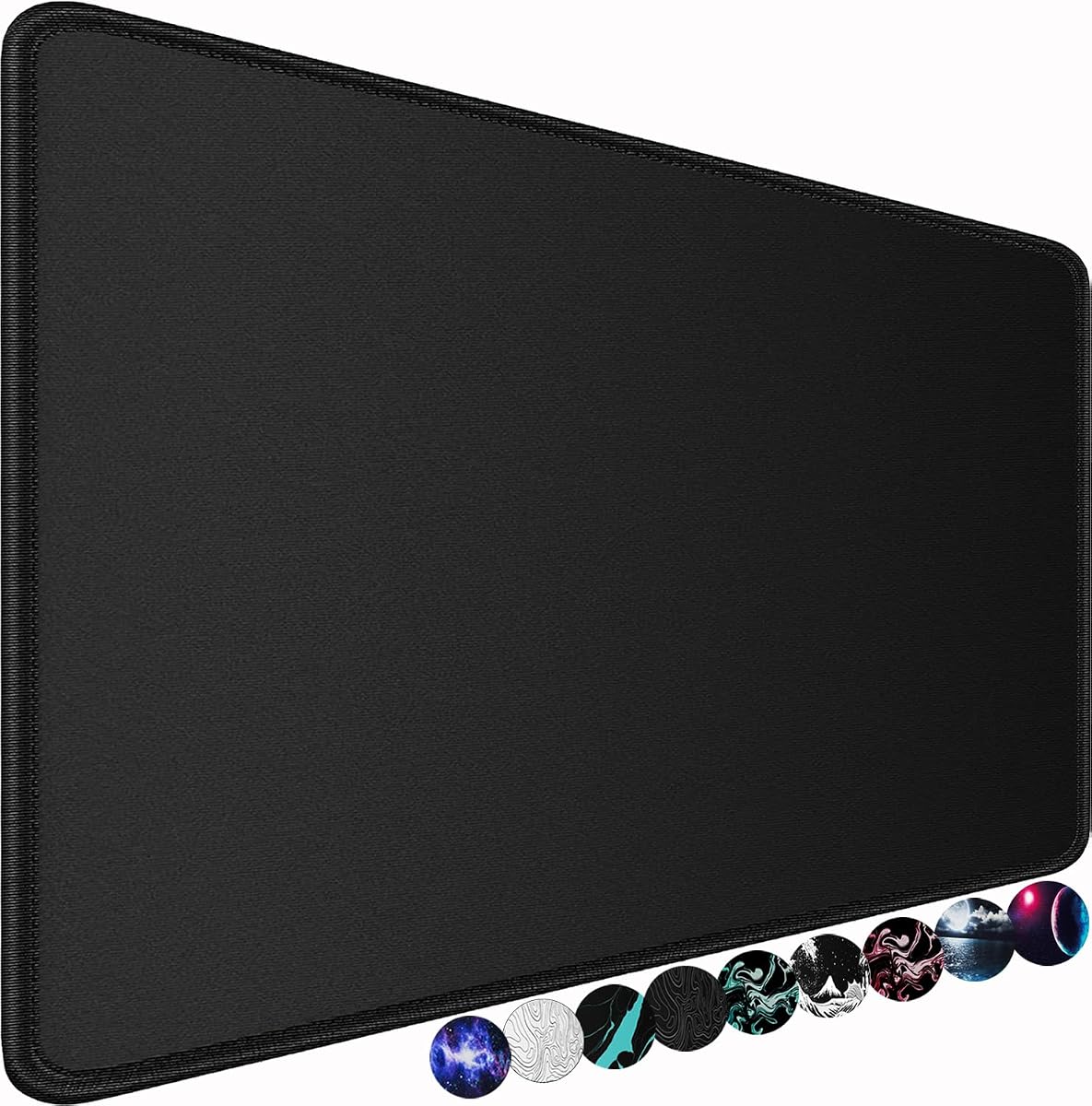
The KTRIO Large Gaming Mouse Pad offers exceptional value for budget-conscious gamers. Its 4.7 rating reflects consistent performance and durability at a price point that undercuts many competitors.
We may earn a commission when you buy through this link, at no additional cost to you.
The 31.5 x 11.8 inch size provides ample space for a full-size keyboard and mouse. Anti-fray stitched edges reinforce durability, while the micro-weave cloth delivers a balanced glide and control.
Spill-resistant coating keeps the surface clean and easy to wipe down after accidents. This practical feature extends the life of the pad and maintains hygiene in shared workspaces.
Choose this if you need reliable performance without overspending. It covers all essential needs for gaming and office work while keeping costs low.
Advanced stitching prevents peeling and fraying even after months of heavy daily use.
Natural rubber backing keeps the pad flat and firmly in place on any surface.
We may earn a commission when you buy through this link, at no additional cost to you.
The Logitech G840 XL is engineered for players who demand precise sensor performance. It features a moderate surface friction that optimizes control for low-DPI setups and rapid movements.
We may earn a commission when you buy through this link, at no additional cost to you.
Its extra-large dimensions let you position your keyboard however you like without mouse interference. The consistent texture ensures your mouse sensor translates movement accurately even during high-speed gaming.
Soft material enhances comfort during long sessions where wrist movement crosses the pad edge. The no-slip base prevents bunching or shifting, keeping everything stable throughout gameplay.
This premium option is ideal if you already use Logitech G mice and want matched performance. The design prioritizes accuracy and comfort over aesthetic variety.
Surface texture matches optimal testing environments to fully utilize mouse sensor precision.
Soft material reduces strain during repetitive wrist movements across the pad surface.
We may earn a commission when you buy through this link, at no additional cost to you.
This large gaming mouse pad offers generous width with a 15.7 inch depth. It provides ample room for low-DPI mouse movements while keeping your keyboard and accessories organized on one surface.
We may earn a commission when you buy through this link, at no additional cost to you.
The comfortable Lycra surface ensures smooth tracking for both optical and laser sensors. Professional edge stitching combined with waterproof material prevents fraying and damage from spills.
Thick construction muffles noise when typing heavily on the mat. This adds comfort and reduces distraction during focused work or competitive gaming sessions.
Select this if you need maximum width without going XXL length. The water resistance and durability make it practical for daily use.
15.7 inch depth supports wide swipes without running off the edge.
Thick material helps muffle typing noise for a quieter environment.
We may earn a commission when you buy through this link, at no additional cost to you.
With a 4.8 rating, this pad excels in value and functionality. Its 31.5 x 15.7 inch size fits desktops perfectly while accommodating mice and keyboards without clutter.
We may earn a commission when you buy through this link, at no additional cost to you.
Made of high elasticity natural rubber, it is non-toxic and safe for use. Nylon stitched edges increase durability, allowing you to roll it up without creases or wrinkles.
Waterproof coating prevents damage from spills. Liquid beads up and slides off, making cleanup quick and effortless during busy sessions.
Choose this for a reliable mid-size mat that performs well across all mouse types. It balances cost and features effectively.
High elasticity natural rubber ensures no hazardous substances during use.
Pad rolls up easily without getting wrinkled or creased for travel.
We may earn a commission when you buy through this link, at no additional cost to you.
The DIGSOM pad stands out with its clean topographic line design. It offers a wide area for movement while acting as a stylish platform protector for home or office desks.
We may earn a commission when you buy through this link, at no additional cost to you.
Superior printing technology ensures vibrant colors stay consistent over time. This aesthetic appeal adds a personal touch without sacrificing function or grip.
The smooth cloth surface allows your mouse to glide accurately. The non-slip rubber bottom provides strong grip, preventing shifting even during rapid movements.
Ideal for those wanting aesthetics without compromising utility. It protects your desk and looks good doing it.
Advanced tech ensures the topographic lines remain clear and bright.
Use it as a surface protector for your desktop platform or table.
We may earn a commission when you buy through this link, at no additional cost to you.
This pad features a stunning Japanese Sea Wave pattern that transforms your desk into a work of art. It combines beauty with function, offering a soft fabric surface for comfortable use.
We may earn a commission when you buy through this link, at no additional cost to you.
Advanced printing technology keeps patterns clear even after washing. The silk-smooth surface enhances control and speed for both gaming and office tasks.
Its easy-to-clean nature ensures longevity. Just wipe with a damp cloth to remove stains or spills quickly.
Perfect for users who want a decorative element that performs well. It serves as both a gaming mat and home decor.
Vivid patterns stay clear and bright even after many washes.
Surface enhances precise control and speed during use.
We may earn a commission when you buy through this link, at no additional cost to you.
This RGB mousepad adds dynamic lighting to your setup with 14 distinct modes. It includes colorful and breathing patterns that enhance your gaming atmosphere significantly.
We may earn a commission when you buy through this link, at no additional cost to you.
The large 31.5 x 12 inch surface fits your desktop perfectly. Simple button controls let you change color and brightness without complex drivers.
Made of smooth microfiber, it offers precise mouse movement. The surface is also waterproof, preventing damage from spills and fading over time.
Choose this to elevate your desk aesthetics with light. It brings atmosphere and practicality to your workspace.
14 modes including dynamic breathing add warmth to your room.
The mat remembers your last selected lighting mode for convenience.
We may earn a commission when you buy through this link, at no additional cost to you.
For those needing maximum surface area, this giant pad measures 46 x 17 inches. It provides ample room for low-sensitivity settings and precise movements.
We may earn a commission when you buy through this link, at no additional cost to you.
With 5mm thickness, it offers a cushioned surface that reduces wrist fatigue during long sessions. This makes it comfortable for both gaming and extended typing.
The non-slip base ensures it stays firmly in place despite the size. It accommodates both mouse and keyboard with ease for any layout.
Ideal for users with large desks seeking ultimate coverage. Its thickness adds comfort that thin mats cannot match.
46 x 17 inches enables precise accuracy with lower sensitivity.
5mm thickness reduces wrist fatigue during long sessions.
We may earn a commission when you buy through this link, at no additional cost to you.
The Razer Gigantus V2 XXL is optimized across all mouse sensors for pixel-precise accuracy. This reduces the need to lift the mouse during high-leverage gaming.
We may earn a commission when you buy through this link, at no additional cost to you.
Its micro-weave surface delivers fluid swipes with both fast and controlled playstyles. At 4mm thick, the foam keeps the mat flat even on imperfect surfaces.
The anti-slip base is crucial for competitive gaming stability. When things get chaotic, the stable foundation ensures clutch plays stay accurate.
Great for users prioritizing sensor consistency and stability. It remains uniformly flat for consistent performance.
Calibrated with pixel-precise accuracy and total tracking responsiveness.
High-density foam keeps the mat uniformly flat on uneven desks.
We may earn a commission when you buy through this link, at no additional cost to you.
Selecting the right gaming pad requires balancing size, material, and grip. This section outlines key factors to ensure you choose a surface that fits your hardware and play style.
The size of your pad determines how much room you have for movement. Larger pads allow full keyboard and mouse coverage while smaller ones save desk space.
Measure your desk area before purchasing to ensure the pad fits comfortably without crowding your workspace.
Material affects how your mouse moves across the pad. Micro-woven or cloth surfaces offer control while smoother fabrics favor speed.
Choose a texture that matches your preferred DPI and sensitivity settings for optimal tracking accuracy.
Stitched edges prevent fraying and extend the lifespan of the pad. Unstitched edges may peel or unravel over time.
Look for professional stitching to ensure durability especially if you use the pad daily.
A non-slip rubber base keeps the pad from sliding during intense movements. Without this, your pad might shift and disrupt your aim.
Prioritize models with dense rubber backing for consistent grip on any desk surface.
Spills happen during long sessions. A water-resistant coating allows quick cleanup and prevents damage to the surface or internal foam.
Check for spill-resistant or waterproof features if you plan to use the pad near drinks.
Thickness adds comfort during extended use. Thicker pads reduce wrist strain by cushioning the hand against the hard desk surface.
Aim for at least 3mm of thickness for noticeable comfort improvement over paper-thin mats.
Design matters if you care about desk aesthetics. Options range from plain black to artistic prints or RGB lighting.
Pick a visual style that complements your existing setup to maintain a cohesive look.
Price ranges from basic options to premium branded mats. Higher cost often brings better materials and testing.
Balance your budget with necessary features to find the best value for your specific needs.
Place the pad on a flat, clean surface before use. Ensure the rubber base is free of dust so it adheres properly to your desk.
Clean spills immediately using a damp cloth. Avoid soaking the pad or using harsh chemicals that might degrade the surface material.
Store the pad flat or loosely rolled when not in use. This prevents permanent creases that could affect mouse tracking accuracy.
Measure your desk space first. If you have room, a large pad covering both keyboard and mouse creates a clean look. For tighter spaces, opt for a standard size mouse pad instead.
Yes. Micro-woven cloth surfaces are designed to work well with both optical and laser sensors. Avoid hard or uneven surfaces that cause tracking jumps or inconsistencies.
Most cloth pads can be wiped clean but not submerged. Check the care instructions. Generally, use a damp cloth and let it air dry to prevent damage.
High-quality pads last for years if maintained properly. Replace yours if the surface becomes uneven or the base loses grip.
This may be due to dust, worn spots, or an uneven base. Clean the surface and check if the base stays flat. If it persists, consider replacing the pad.
They add visual appeal and can sync with other peripherals. However, they require USB power and may not offer better performance than standard mats.
Ensure the rubber base is clean and your desk is smooth. Some pads include stronger grip. Adding double-sided tape is also an option if the base slips.
Larger pads offer more room for movement but need more space. If you play on low DPI, extra space is vital. Otherwise, standard sizes work well.
This guide reviewed ten top options ranging from budget picks to premium models. Each offers unique benefits for different users depending on their priorities.
Prioritize size and surface texture that suit your play style. Stability and durability are just as important for long-term satisfaction.
Prices and availability may change over time. Always check current listings before purchasing to ensure you get the best deal.