
Dell Latitude 3550
4.0Editor score
Intel Ultra 7 155U
16GB DDR5 RAM
1TB SSD Storage
Finding the right business laptop requires balancing power, portability, and durability. The Dell Latitude line offers a range of options designed to meet the demanding needs of modern professionals across various industries and work environments.
We analyzed ten distinct models from the current lineup to identify the strongest performers. Our evaluation focuses on processor capabilities, memory configurations, screen quality, and the connectivity options essential for seamless daily workflows.
Each pick highlights specific strengths tailored to different user requirements. Please note that specifications and availability can change frequently, so verifying the latest details before purchasing is always recommended.
4.0Editor score

4.6Editor score

5.0Editor score
As an Amazon Associate we earn from qualifying purchases.
The following comparison details the key specifications and features of each model to help you distinguish between the different options available in the current market.



The Dell Pro 16 stands out as a top-tier option for professionals who need a balance of screen real estate and portability. It features a powerful processor and a high-quality display that makes it ideal for multitasking and visual work.
We may earn a commission when you buy through this link, at no additional cost to you.
This model includes a 55Wh battery that supports long work sessions without needing a power outlet. The inclusion of Thunderbolt 4 ports allows for fast data transfer and easy connection to multiple external monitors.
While it is more expensive than standard business laptops, the build quality and feature set justify the investment. It is designed to withstand rigorous daily use in demanding environments.
For business users seeking a reliable machine with strong connectivity and display capabilities, this laptop is a top recommendation. It offers the performance needed for complex tasks while remaining portable enough for travel.
The 16-inch display provides ample space for spreading out windows and documents for easier workflow.
Thunderbolt 4 and HDMI ports ensure compatibility with a wide range of peripherals and docking stations.
We may earn a commission when you buy through this link, at no additional cost to you.
The Dell Latitude 5520 offers a robust configuration for users needing significant memory and storage. It is powered by an Intel i7 processor and comes with 32GB of RAM which helps in handling multiple applications smoothly.
We may earn a commission when you buy through this link, at no additional cost to you.
This model is particularly useful for tasks that require substantial memory, such as virtualization or large data processing. The 1TB SSD ensures plenty of room for files and quick access to data.
Being a renewed model, it presents a cost-effective way to access higher specs. However, the screen resolution is standard HD which might not satisfy users wanting sharper visuals.
If your priority is raw memory and storage capacity over display quality, this unit serves that purpose well. It is a solid choice for technical roles that demand performance without the latest chassis design.
With 32GB of RAM, this laptop can manage heavy multitasking and large datasets without slowing down.
The 1TB NVMe SSD provides fast read speeds and ample space for software development or media storage.
We may earn a commission when you buy through this link, at no additional cost to you.
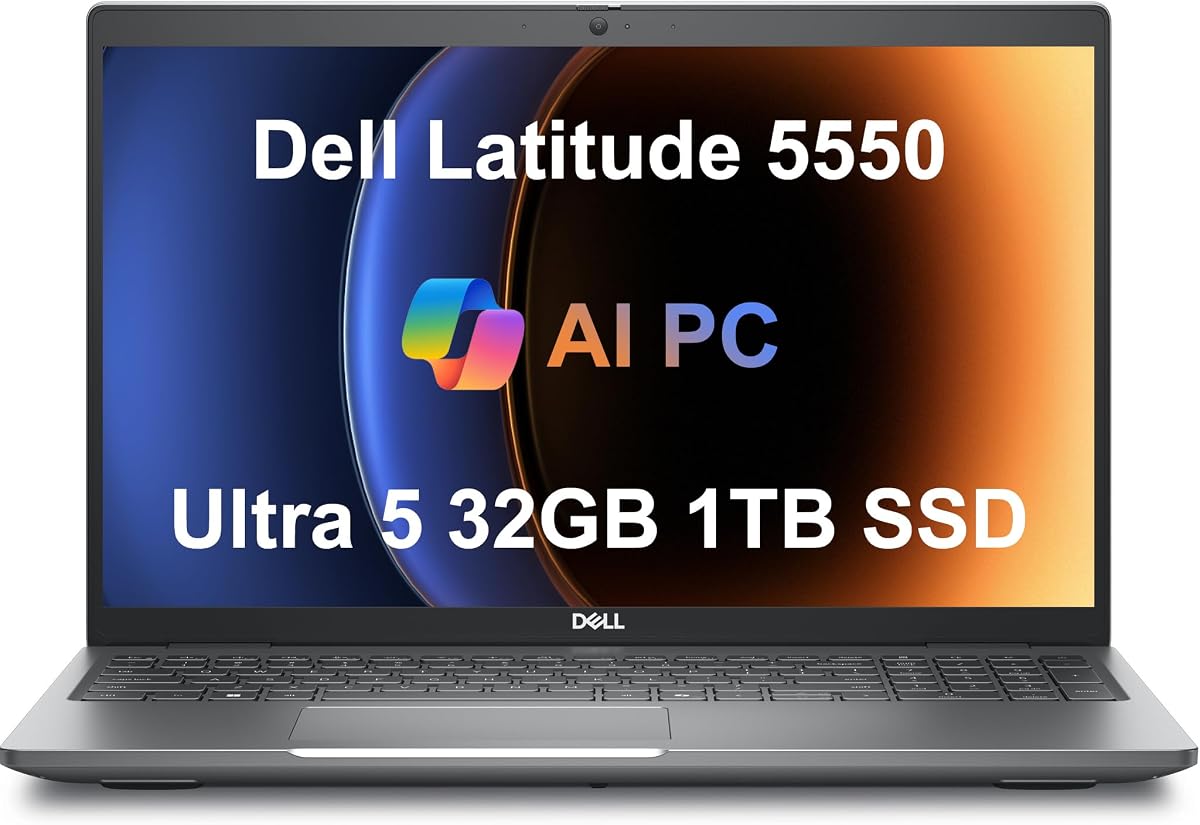
This Latitude model brings the latest Ultra processors to the 5000 series offering improved efficiency. The 32GB DDR5 RAM makes it a strong contender for modern workloads and future-proofing.
We may earn a commission when you buy through this link, at no additional cost to you.
It features a 15.6-inch display with anti-glare coating which helps reduce eye strain. The webcam includes a privacy shutter adding a layer of security for remote workers.
The combination of new silicon and high capacity RAM ensures smooth performance. It is a well-rounded machine for those who want the latest technology without stepping into the premium price tier.
For professionals who need speed and reliability in a standard business format, this laptop fits the bill. It handles daily tasks efficiently and offers the storage needed for professional workflows.
The Intel Core Ultra 5 125U provides a balance of power and battery conservation for all-day use.
Hardware privacy shutter on the webcam protects your privacy when not on video calls.
We may earn a commission when you buy through this link, at no additional cost to you.
The Latitude 5450 is a standout model that balances screen quality and performance effectively. It features a 400-nit display which ensures visibility even in bright environments.
We may earn a commission when you buy through this link, at no additional cost to you.
Powered by the Ultra 7 processor and 32GB of RAM, it handles demanding applications with ease. The Thunderbolt 4 ports allow for connecting multiple external monitors easily for expanded desktops.
This machine is built for dependability and efficiency in a business setting. It supports a variety of connectivity options making it versatile for different office setups and travel needs.
We recommend this laptop for professionals who need a reliable tool for daily tasks and presentations. It offers a premium experience with solid performance and strong connectivity features.
The 400-nit IPS display offers sharp detail and accurate colors for professional work.
Support for up to three external monitors allows for expansive workspace configurations.
We may earn a commission when you buy through this link, at no additional cost to you.
This model provides a large 16-inch screen in a business chassis which is great for spreadsheet work. It runs on a 10-core i5 processor that offers good daily performance for general tasks.
We may earn a commission when you buy through this link, at no additional cost to you.
The inclusion of DDR5 RAM improves overall system responsiveness compared to older memory types. The backlit keyboard ensures usability in low-light conditions during travel.
While it may not be the top pick for intensive computing, it serves well for standard office needs. The screen size is a major plus for users who want to reduce eye strain.
It is a practical choice for those who prioritize display real estate. The performance is sufficient for most business applications and web-based tools.
The 16-inch FHD+ screen provides a wide aspect ratio for viewing multiple windows side by side.
WiFi 6E connectivity offers faster and more stable internet connections in busy networks.
We may earn a commission when you buy through this link, at no additional cost to you.
The Latitude 5350 is designed for users who value mobility above all else. At just over 2.7 pounds it is easy to carry in a backpack without adding bulk.
We may earn a commission when you buy through this link, at no additional cost to you.
It includes AI-driven features that enhance video calls and system management. The battery life is optimized for all-day use which is crucial for commuters.
The compact form factor does mean a smaller screen but it remains sharp for a 13-inch display. It is ideal for users who do most of their work on screens in the cloud.
For professionals on the move this laptop offers the right mix of power and portability. It handles business tasks efficiently while being light enough for daily travel.
AI capabilities help optimize performance and improve video call quality automatically.
Lightweight design and long battery life make it perfect for business trips.
We may earn a commission when you buy through this link, at no additional cost to you.
This variant adds touch capabilities to the 5350 series for interactive work. It uses the Ultra 7 processor and 32GB of RAM for superior performance in a small package.
We may earn a commission when you buy through this link, at no additional cost to you.
The 1TB SSD ensures you have plenty of storage for projects and files. It is an ideal choice for users who need touch input for presentations or design work.
Despite its size it does not compromise on power. It handles complex tasks well and connects easily to modern peripherals via high speed ports.
If you want a small laptop that does not sacrifice performance the this is a great option. It combines modern tech with practical business features.
Touchscreen allows for intuitive navigation and note taking on the go.
1TB SSD provides ample space for large media libraries and software tools.
We may earn a commission when you buy through this link, at no additional cost to you.
This model brings AI capabilities to the 5500 series for smarter system management. It features an Ultra 7 processor which handles modern workflows efficiently.
We may earn a commission when you buy through this link, at no additional cost to you.
It includes standard ports like Ethernet which is useful for offices without wireless reliance. The backlit keyboard aids typing in various lighting conditions.
The configuration is well balanced for general professional use. It is suitable for users who want AI features without needing extreme memory capacity.
For business users looking for a reliable workhorse with next-gen processing this is a solid pick. It offers the stability needed for daily office tasks.
Built-in AI accelerators optimize tasks like video calls and security features.
Standard layout includes Ethernet and USB ports for versatile connectivity.
We may earn a commission when you buy through this link, at no additional cost to you.
The Latitude 3550 delivers a high-end processor at a budget-friendly price point. It is equipped with 16GB of DDR5 RAM and 1TB of storage making it a robust value.
We may earn a commission when you buy through this link, at no additional cost to you.
The fingerprint reader adds security to the system which is important for business data. It supports WiFi 6E for reliable connectivity in office environments.
While it may lack some premium build features it gets the job done efficiently. It is an excellent choice for departments that need multiple units without overspending.
We recommend this for buyers seeking maximum performance per dollar. It provides a modern experience at a fraction of the cost of higher models.
This model offers top-tier specs like Ultra 7 and DDR5 at a lower price.
Integrated fingerprint reader ensures secure access to your data.
We may earn a commission when you buy through this link, at no additional cost to you.
This model is designed for standard office tasks and administrative work. It uses an i3 processor which is energy efficient and handles web browsing well.
We may earn a commission when you buy through this link, at no additional cost to you.
The 16GB DDR5 RAM ensures it does not lag during typical multitasking. It includes a backlit keyboard and security features like a fingerprint reader.
It is a great option for users who do not need heavy processing power. The lightweight chassis makes it easy to move between desks or locations.
For students or entry-level business roles this laptop is a cost-effective solution. It covers the basics with modern memory standards.
The i3 processor ensures long battery life and quiet operation.
Perfect for users who primarily use email web apps and documents.
We may earn a commission when you buy through this link, at no additional cost to you.
Selecting the right Dell Latitude model depends on your specific workflow needs. This section covers the essential factors to consider.
Look for the latest Intel Core Ultra processors for AI capabilities and efficiency. Older generations are still usable but may lack newer features.
Choose a processor that matches your daily workload for best performance.
16GB is the standard for modern business use. 32GB is better for heavy multitasking or virtualization.
Prioritize higher RAM if you run multiple applications simultaneously.
SSD storage is a must for fast boot times. Look for at least 512GB of space.
More storage reduces the need for external drives.
Higher brightness and resolution improve visibility and comfort. 16-inch models offer more space.
Select a screen size based on your portability needs.
Smaller screens like 13 inches are lighter for travel. 15 and 16 inch models are heavier but more spacious.
Consider how often you carry the laptop in a backpack.
Thunderbolt 4 allows for fast data and charging. Ethernet is useful for stable wired connections.
Ensure the laptop has the ports you need for peripherals.
Webcam shutters and fingerprint readers protect your data. Windows 11 Pro adds security layers.
Prioritize security if handling sensitive information.
Mil-STD tested chassises handle rougher conditions. This is key for field work or frequent travel.
Choose a durable build if you work in varied environments.
Ensure the operating system is updated regularly to maintain security and performance. Dell provides software tools to manage updates and drivers.
Clean the screen and keyboard with a microfiber cloth to remove dust and oils. Avoid using harsh chemicals on the display or ports.
Store the laptop in a cool dry place to protect the battery. Do not leave it in extreme temperatures like a hot car.
For general office work, the Intel Core Ultra 5 or 7 processors offer the best balance of performance and battery life. They handle modern applications efficiently without the cost of top-tier workstation chips.
16GB is sufficient for most standard business tasks. If you run virtual machines or heavy creative apps, 32GB is recommended to prevent slowdowns.
Yes, most models support multiple monitors via Thunderbolt 4 and HDMI ports. You can usually connect up to two or three external displays without a docking station.
The 3000 series offers excellent value for budget-conscious businesses. It provides essential business features and solid performance for everyday administrative tasks.
Battery life varies by model but most modern 5000 and 7000 series laptops last 8 to 10 hours on a single charge. This supports a full workday away from an outlet.
Yes, many models are tested to Mil-Std standards to withstand shocks and drops. The build is designed for reliability in moving environments.
Some models allow upgrades, but many newer ones have soldered RAM. Always check the specific specifications before purchasing if you plan to upgrade components.
Most business models come with Windows 11 Pro. This includes enterprise features like BitLocker encryption and Remote Desktop which are useful for business users.
The Dell Latitude lineup provides options for every business need. The 5450 offers a great balance of performance and screen quality for most users.
Prioritize processor power and RAM if you handle complex tasks. For travel, smaller models like the 5350 are more suitable.
Always verify current specs and pricing before buying to ensure you get the best value for your requirements.