
Bootable USB Drive for Windows 11 – NO TPM Requirement
4.0Editor score
Affordable recovery solution
Texas tested by team
Focus on installation only
Discover the top bootable Windows 11 USB drives for installation and recovery. This guide compares features, compatibility, and tools to help you choose the
Finding a reliable bootable Windows 11 USB drive is essential for system repairs and clean installs. These drives simplify the process by containing pre-loaded tools and operating system files ready to launch on most modern hardware without needing extensive technical knowledge.
We evaluated ten highly rated options based on compatibility, included utilities, and user feedback. Each product was assessed for its ability to bypass common restrictions like TPM requirements and support both UEFI and legacy boot modes across different PC brands.
Every pick highlights specific strengths like password recovery or network driver inclusion. Prices and availability change frequently so check the linked pages for current stock. This guide ensures you find a drive that matches your technical needs and budget constraints.
4.0Editor score

4.3Editor score

This side-by-side comparison highlights the key specifications and capabilities of each drive. Use this table to quickly identify which option offers the specific tools and compatibility you need for your particular computer model and repair scenario.


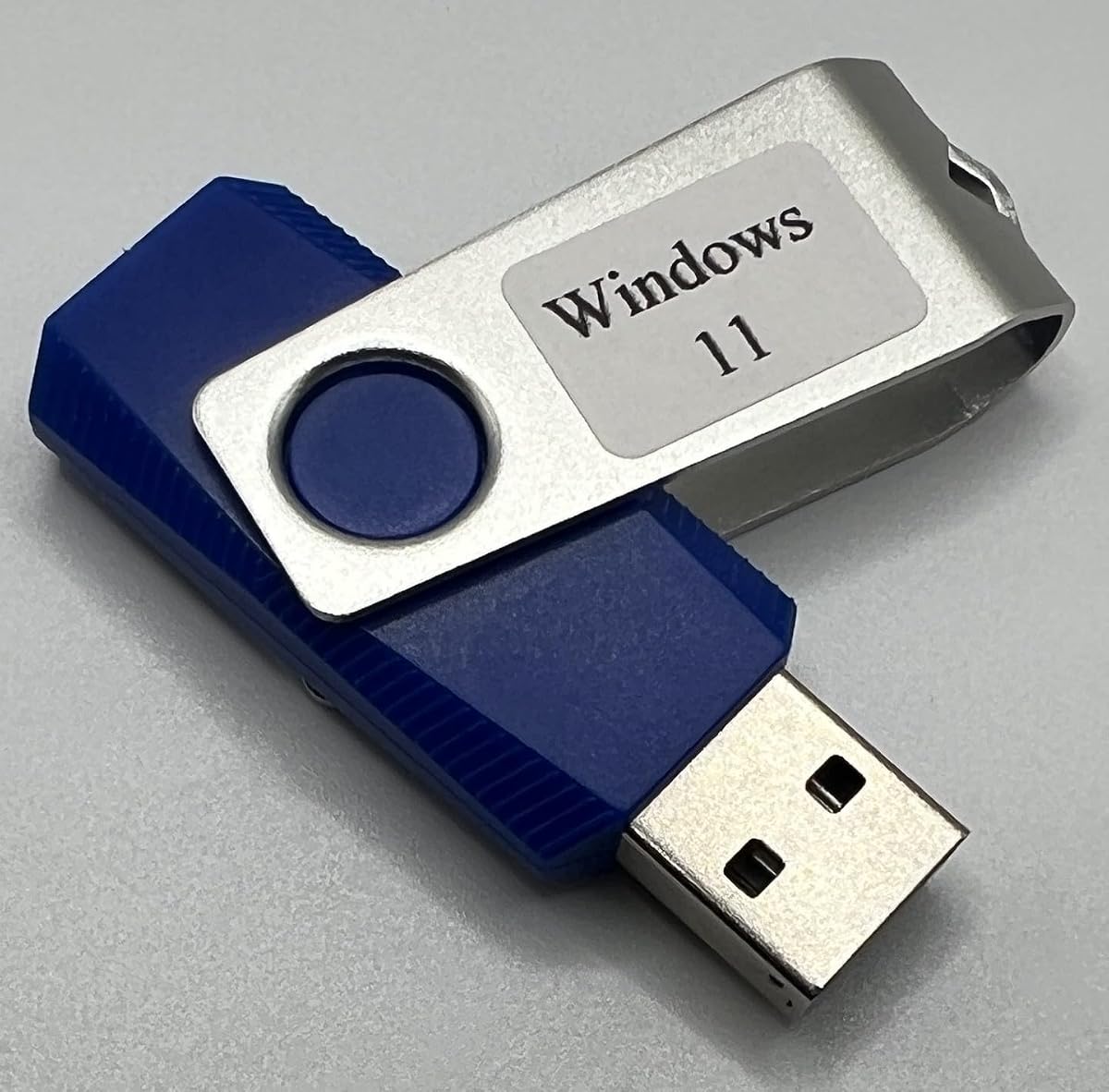


This 64GB drive stands out as the most versatile solution for installing or repairing Windows 11 and older versions. It holds a solid 4.3 rating from users who appreciate its comprehensive toolkit that goes beyond simple installation media.
We may earn a commission when you buy through this link, at no additional cost to you.
The standout feature is the inclusion of network drives for WiFi and LAN which ensures you can connect to the internet immediately after installing the OS. This is crucial for downloading further updates or drivers without needing a secondary device.
While it works with both UEFI and legacy BIOS you must be prepared to disable Secure Boot in your system settings. Additionally it focuses on fresh installs so it cannot preserve your existing files during the process.
It is the ideal choice for technicians and home users who need a reliable all in one tool. If you want to fix boot issues or perform a clean setup without hunting for drivers separately this drive covers all the bases.
Includes WiFi and LAN drivers to connect to the internet right after installation.
Offers data recovery and repair tools to troubleshoot system crashes and boot failures.
We may earn a commission when you buy through this link, at no additional cost to you.
For those seeking a straightforward and affordable way to reinstall Windows 11 this drive offers excellent value. It is handcrafted and tested by a family business which adds a level of personal care to the product quality.
We may earn a commission when you buy through this link, at no additional cost to you.
Its primary strength lies in its simplicity focusing solely on setup and recovery tasks. It avoids unnecessary features that might confuse users making it perfect for anyone who just needs to get a PC running again.
Be aware that this tool cannot fix failing hardware like bad RAM or motherboards. You must verify your computer can power on and enter BIOS before purchasing as it does not diagnose hardware failures.
It is a great budget pick for basic system restoration tasks. If you need a no fuss method to wipe and reinstall your operating system without spending much this option delivers exactly what it promises.
Every drive is handmade and tested by a small tech team in Texas.
Focuses on core OS installation tasks without complex extra tools.
We may earn a commission when you buy through this link, at no additional cost to you.
This premium drive distinguishes itself by working with Secure Boot enabled which simplifies the setup process for many modern computers. It also ensures you always get genuine and latest Windows files directly from Microsoft servers.
We may earn a commission when you buy through this link, at no additional cost to you.
The support team is US based and offers live chat assistance which is a significant advantage over other products. This human touch can be invaluable when you encounter unexpected errors during installation or recovery.
A trade-off is that it requires a UEFI BIOS system and does not support legacy BIOS configurations. This limits its use on older machines but ensures high security and performance for newer devices.
It is the top choice for users who prioritize security and official software sources. If you want a hassle free experience with expert help available you will appreciate the premium features this drive provides.
Eliminates the need to disable Secure Boot settings in your BIOS.
Downloads genuine Windows files from Microsoft instead of using stored ISOs.
We may earn a commission when you buy through this link, at no additional cost to you.
This drive is particularly valuable for users who need to access their hard drive to backup data before performing a recovery. It includes utilities that let you save important files safely before reinstalling the operating system.
We may earn a commission when you buy through this link, at no additional cost to you.
The inclusion of network drives ensures you can connect to the internet immediately after install. This feature saves time by providing essential drivers for WiFi and LAN without needing a second device to fetch them.
While it supports all brands of computers you may need to disable Secure Boot to access the boot menu. Also it does not support the Automatic Repair option so manual intervention is sometimes required.
It is a reliable choice for those facing boot issues and needing to save their data first. The combination of recovery tools and network support makes it a solid option for general maintenance and repair.
Allows you to access the hard drive to backup files before reinstalling.
Works with all major computer brands and supports both BIOS types.
We may earn a commission when you buy through this link, at no additional cost to you.
This drive includes a WinPE utility suite that is excellent for troubleshooting and password recovery. If you have locked yourself out of your account this tool can help you reset the password and regain access quickly.
We may earn a commission when you buy through this link, at no additional cost to you.
It also offers hardware testing capabilities which allow you to check if your system components are working correctly. This can help identify if a failure is due to hardware or software issues before proceeding with a reinstall.
Beginner users will appreciate the included video tutorials that guide you through the boot process. However like many tools it requires you to disable Secure Boot and does not support the Automatic Repair option.
It is ideal for users who need more than just installation media and want recovery capabilities. The combination of password reset and hardware testing makes it a comprehensive rescue tool for various PC problems.
Reset Windows user account passwords to regain access to locked computers.
Test PC components to identify hardware faults before attempting software fixes.
We may earn a commission when you buy through this link, at no additional cost to you.
This drive focuses on providing clear guidance with detailed instructions included for system recovery. It is designed to help you resolve common issues like slow performance or black screens without needing advanced technical skills.
We may earn a commission when you buy through this link, at no additional cost to you.
It supports UEFI booting and is optimized for 64-bit systems which covers most modern computers. The package includes multiple recovery options ranging from fresh installations to system restore points.
While it is a solid tool it has a lower user rating compared to others in this list. You might find the instructions helpful but the overall performance may vary based on your specific PC configuration.
It is a decent choice for beginners who need step by step guidance. If you prefer a structured approach with comprehensive documentation this drive offers the resources to help you navigate the recovery process.
Includes detailed manuals to help you set up the recovery process safely.
Provides multiple options to restore your system to a working state.
We may earn a commission when you buy through this link, at no additional cost to you.
This drive offers a unique value by including one license key for activation which is not common in many similar products. It provides a complete solution for both installation and activation without needing to buy a separate key.
We may earn a commission when you buy through this link, at no additional cost to you.
It also comes with a suite of software tools for password resets and machine troubleshooting. These utilities allow you to manage your system settings and resolve access issues effectively.
However it has a lower rating which suggests some users may face challenges with the process. You will need to disable Secure Boot temporarily to boot on newer systems which can be a hurdle for some.
It is a good option if having a built-in license key is a priority. If you want a package that attempts to cover both installation and activation needs this drive provides a convenient all-in-one kit.
Includes one activation key to simplify the Windows activation process.
Offers various tools for password resets and machine troubleshooting tasks.
We may earn a commission when you buy through this link, at no additional cost to you.
This installer combines Windows installation media with a robust WinPE utility suite for repair and recovery. It is designed to be a complete rescue tool that helps you troubleshoot and restore without needing multiple discs.
We may earn a commission when you buy through this link, at no additional cost to you.
The suite allows you to backup important files and diagnose common problems before reinstalling. This proactive approach helps you save data that might otherwise be lost during a system failure.
Beginners will find the included video guide and printable instructions very helpful. These resources walk you through the boot process and basic troubleshooting steps to ensure you are not stuck.
It is an excellent choice for users who need a comprehensive repair solution. If you want a single drive that handles installation and deep system diagnostics this option covers both needs effectively.
Allows you to backup important files and system data before reinstalling.
Includes a powerful utility set for diagnosing and fixing system issues.
We may earn a commission when you buy through this link, at no additional cost to you.
This drive supports multiple Windows versions from 7 to 11 making it a versatile tool for mixed environments. It is ready to use out of the box saving you the time of downloading and creating bootable media.
We may earn a commission when you buy through this link, at no additional cost to you.
It is designed to be a reusable solution that you can keep handy for maintenance tasks. This eliminates the need to download large system files repeatedly whenever you need to repair a machine.
While it is versatile it does not include any license keys or product keys. You must have an existing digital license or purchase a valid key separately to activate the Windows installation.
It is a great tool for technicians who work with various computers. If you need a single drive that handles multiple versions of Windows without constant downloads this option provides excellent flexibility.
Compatible with Windows 7 through 11 for diverse repair scenarios.
Save time by using a ready made bootable drive instead of creating one.
We may earn a commission when you buy through this link, at no additional cost to you.
This drive is a simple plug and play solution designed for basic Windows 11 installation. It uses an official original version of the OS ensuring you get a clean and safe installation without viruses.
We may earn a commission when you buy through this link, at no additional cost to you.
It includes a user guide and online support services to help you through the setup. This is helpful if you are new to installing Windows and need some guidance during the process.
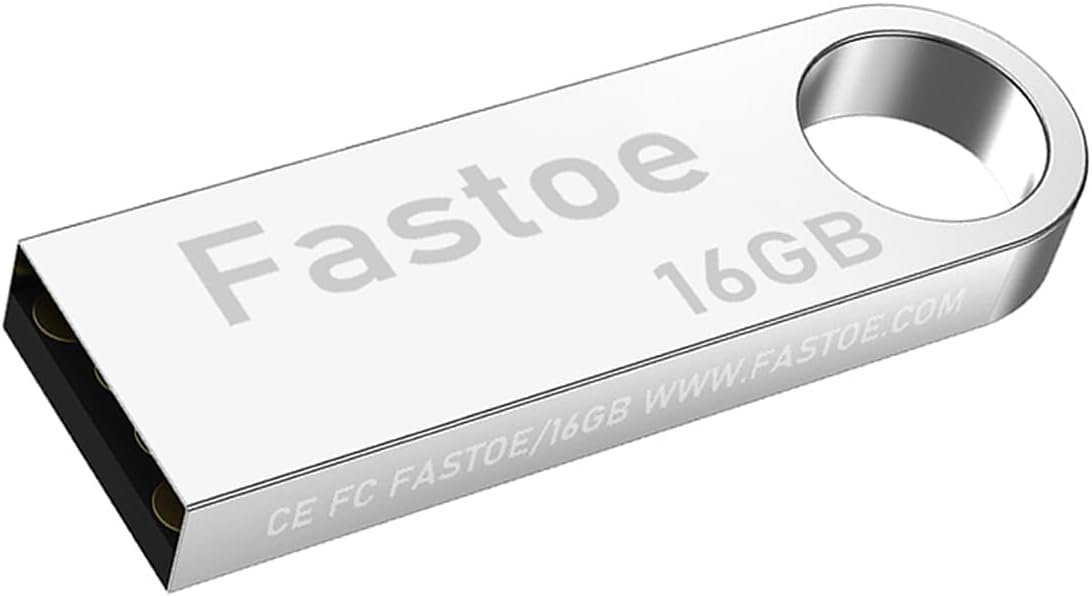
The storage capacity is limited to 16GB which is enough for the OS but less flexible than larger drives. Additionally it has a lower user rating suggesting some users may face minor setup hurdles.
It is a straightforward option for those who just need to reinstall Windows 11 quickly. If you want a clean installation tool with basic support this drive offers a simple and effective solution.
Uses a clean official version of Windows without malware or spyware.
Includes online technical support to help you if you run into issues.
We may earn a commission when you buy through this link, at no additional cost to you.
Selecting the right drive involves checking compatibility storage capacity and included tools. Use these factors to find a product that matches your technical needs and budget.
Ensure the drive supports both UEFI and legacy BIOS modes as some older computers require legacy settings. Check if your system needs Secure Boot to be disabled before the USB can boot properly.
Verify that the drive is compatible with your specific computer brand and architecture such as 64-bit or ARM processors.
Storage capacity varies from 8GB to 64GB depending on the features included. Larger capacities allow for more recovery tools and drivers to be stored on the drive.
Choose a capacity that fits your needs without paying for extra space if you only need basic installation features.
Look for drives that include utilities like password reset network drivers or hardware testing. These tools can save you time when troubleshooting common system issues.
Prioritize drives with network drivers if you need to connect to the internet immediately after installation.
Check which Windows versions are supported on the drive such as Windows 11 10 or 7. Ensure the drive offers the latest version you need for your installation.
Some drives allow you to choose between versions which is useful if you maintain multiple systems.
Choose a drive that claims to be free of viruses and malware to ensure a clean installation. Look for products that mention scanning by antivirus software for added safety.
Avoid drives that do not provide information about their security checks or source materials.
Good support options like video tutorials or online chat can help you solve boot issues quickly. Look for brands that offer detailed instructions and help resources.
Video guides are especially useful for beginners who are not familiar with BIOS settings.
Most drives do not include a valid Windows license key so be prepared to use your own or buy one. Some premium products might offer a key but this is not standard.
Verify whether you need a product key for activation before purchasing to avoid additional costs.
Check the return policy of the seller in case the drive does not work with your computer. Reliable sellers offer guarantees that protect your purchase.
Ensure the vendor provides support if the drive fails to boot or install correctly.
To start use insert the USB into a working computer and reboot. Enter the BIOS or boot menu by pressing the designated key such as F12 or Delete during startup.
Select the USB drive from the boot list to begin the Windows installation or recovery process. Follow the on screen instructions to choose your installation type and drive partitions.
Store the drive in a cool dry place to maintain its integrity. Keep it away from static electricity and physical shocks to prevent data corruption.
Most bootable USB drives do not include a valid product key. You will need to use your existing digital license or purchase a separate key to activate Windows after installation. Some products may offer a key as an extra feature.
Many drives require you to disable Secure Boot in the BIOS to boot properly. However some newer models are designed to work with Secure Boot enabled. Always check the specific product details before purchasing.
Most of the top drives support both UEFI and Legacy BIOS modes. This ensures compatibility with both new and older computers. Verify the specs if you are using an older system from before 2013.
Most of these drives are designed for fresh installs which will wipe existing data. They typically do not support the Automatic Repair option that preserves files. Always back up important data before proceeding.
Many of the top drives include network drivers for WiFi and LAN to help you connect post install. This feature is useful if your computer does not recognize network cards automatically. Check the product details for this feature.
If your computer cannot power on or enter BIOS these USB drives will not fix the hardware issue. They are designed for software installation and recovery not hardware repair. Verify your system can access BIOS first.
All the listed drives are designed for 64-bit systems. You can check this by looking at your system settings on a working Windows PC. Most modern computers from the last decade use 64-bit architecture.
Generally no these drives do not include a valid Windows product key for activation. You will need your own license or a separate one to activate the OS. Some bundles may offer keys but this is rare.
The top picks offer a range of features from basic installation to comprehensive recovery tools. Each drive has been selected for its reliability and ability to simplify the setup process for users.
Prioritize drives that include network drivers and support both BIOS modes for the best compatibility. Consider your technical skills and whether you need advanced tools like password reset or backup features.
Prices and stock fluctuate frequently so review the linked pages for current offers before buying. This guide helps you find the right drive to keep your Windows system secure and running smoothly.