
Blackmagic Design Teranex Mini Audio to SDI 12G
3.8Editor score
12G SDI support
4K video auto switching
XLR audio inputs
Explore our expert guide comparing the top Audio to Sdi Embedder models for 2026. We evaluate features, reliability, and performance to help you choose the
Choosing the right audio to SDI embedder is crucial for professional broadcast and production workflows. These devices ensure high quality audio travels seamlessly with video signals over standard connections.
Our team analyzed ten top rated models based on specifications, user feedback, and industry standards. We focused on compatibility, signal integrity, and ease of integration for diverse production environments.
Each pick highlights key strengths and ideal use cases for different budgets and needs. Please note that pricing and availability can change frequently, so verify current details before purchasing.
3.8Editor score

4.9Editor score

4.5Editor score
The following comparison table outlines the core specifications and capabilities of each selected audio to SDI embedder model to help you make an informed decision quickly.




This Blackmagic Design model stands out as a top choice for professionals needing reliable audio embedding. Its 4.9 rating reflects consistent performance in demanding broadcast environments where signal integrity is paramount.
We may earn a commission when you buy through this link, at no additional cost to you.
The redundant SDI inputs ensure that if the primary cable fails, the system automatically switches to the backup without interruption. This feature is essential for live events where downtime can be costly or disruptive.
While it lacks some advanced configuration options found in higher end models, its simplicity is a strength. The automatic switching between video formats removes the need for manual adjustments during transitions.
Ideal for studios and production houses seeking a straightforward, robust solution. We recommend this unit for anyone prioritizing uptime and ease of use over complex customizability.
The redundant input feature ensures continuous transmission even if a cable is damaged or disconnected during critical moments.
Included international adapters allow this device to be plugged into power sockets anywhere in the world without additional converters.
We may earn a commission when you buy through this link, at no additional cost to you.
This Mini Converter offers a robust blend of features suitable for HD production workflows. It supports a vast range of video standards and ensures that audio is embedded correctly regardless of input format changes.
We may earn a commission when you buy through this link, at no additional cost to you.
The 3 Gb/s SDI technology ensures compatibility with high bandwidth video signals. Additionally, the ability to load upgrades via USB means the device can adapt to new video standards in the future.
Setting changes often require a specific pen tool which can be seen as a minor inconvenience compared to software controlled interfaces. However, the stability of the hardware often outweighs this physical interaction requirement.
Great for users who need a dependable converter for various HD standards without needing ultra high bandwidth capabilities. It provides a balance of price and performance for many broadcast applications.
USB connectivity allows users to load new video format compatibility updates directly onto the device as standards evolve over time.
The unit detects changes in video input and switches settings automatically, ensuring no manual intervention is needed during live switching.
We may earn a commission when you buy through this link, at no additional cost to you.
For projects requiring 4K or 2K resolution support, this Teranex Mini model delivers high bandwidth performance. It is designed to handle the increased data rates associated with Ultra HD video standards seamlessly.
We may earn a commission when you buy through this link, at no additional cost to you.
The inclusion of professional AES/EBU inputs and S/PDIF optical audio provides flexibility for various audio source types. Users can embed digital audio signals directly without needing additional conversion hardware.
While the rating is lower than other options, this may reflect specific compatibility challenges rather than hardware failure. It is crucial to verify compatibility with existing SDI infrastructure before purchase.
Ideal for high end production environments where 12G SDI is necessary. This unit offers the speed and connectivity required for modern Ultra HD post-production and broadcast workflows.
Automatic switching between SD, HD, 2K, and 4K allows this unit to adapt to different resolution workflows without manual intervention.
Support for both XLR AES/EBU and optical audio ensures you can connect a wide variety of professional audio gear directly.
We may earn a commission when you buy through this link, at no additional cost to you.
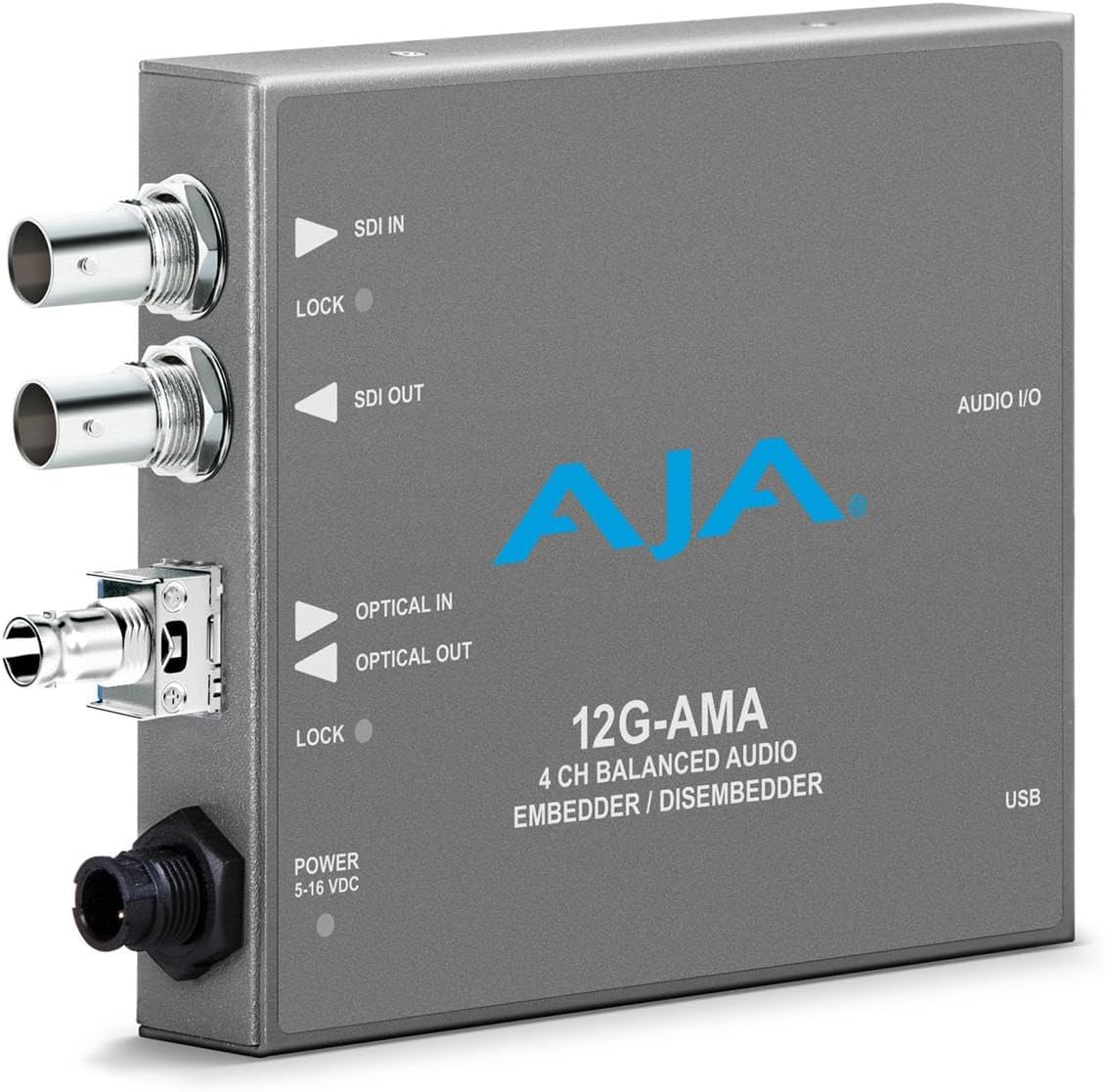
This AJA unit is designed for professional environments requiring advanced signal management capabilities. It supports balanced audio embedding and disembedding which is vital for complex production setups.
We may earn a commission when you buy through this link, at no additional cost to you.
The availability of fiber options extends the reach of SDI signals significantly beyond copper limitations. This makes it a valuable tool for large venue productions or remote broadcasting scenarios.
The high price point indicates a target audience of professional broadcast engineers or high end facilities. It is not typically a first choice for hobbyists or low budget productions due to cost.
Best suited for facilities needing long distance signal transport and high reliability. If your workflow involves large scale events, the fiber capabilities may justify the investment.
Fiber options allow you to transmit high quality video and audio over much longer distances without signal degradation.
Balanced audio inputs ensure noise rejection for clean sound quality even in electrically noisy environments.
We may earn a commission when you buy through this link, at no additional cost to you.
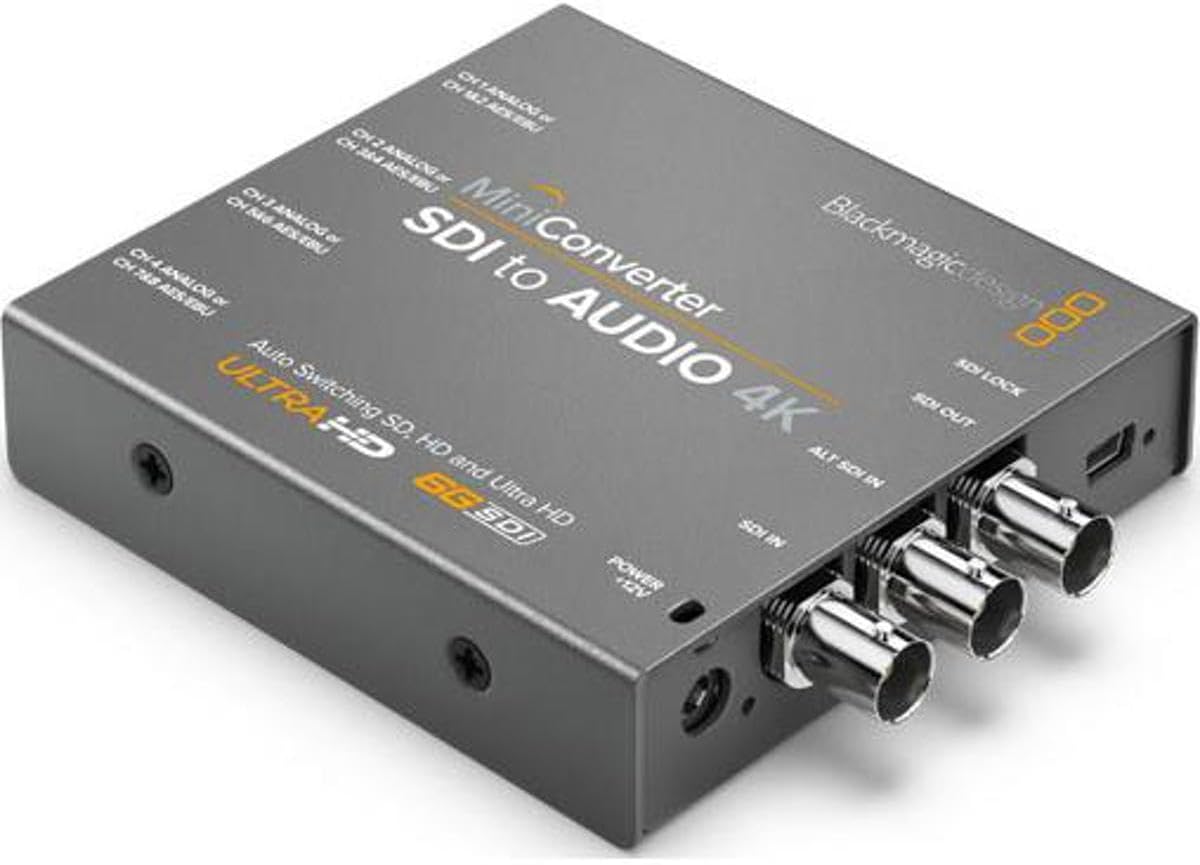
While not an embedder, this converter is listed for its utility in reverse workflows where audio needs to be extracted from SDI. It provides a clean path to analog or digital audio outputs.
We may earn a commission when you buy through this link, at no additional cost to you.
It comes with multinational adapters making it suitable for international touring crews. The compact design ensures it fits easily into mobile production racks or bags.
The focus is strictly on audio extraction which means it lacks video output capabilities. This makes it a specialized tool for monitoring audio feeds from SDI sources.
Useful for audio engineers needing to tap into a video signal for monitoring. It complements embedders in a full production chain by handling the reverse direction.
Extract audio from an SDI source to connect to headphones or speakers for direct monitoring without additional gear.
Included power adapters fit sockets in most countries, ensuring power is available wherever you set up your mobile studio.
We may earn a commission when you buy through this link, at no additional cost to you.
This device bridges the gap between modern SDI equipment and legacy analog displays. It converts high definition video signals to analog formats that older monitors can understand.
We may earn a commission when you buy through this link, at no additional cost to you.
It also handles audio de embedding allowing you to separate sound from the video stream for monitoring or recording purposes. This dual function adds value in mixed signal environments.
The primary limitation is that it does not embed audio back into SDI signals. It is designed for output conversion rather than input preparation for transmission.
Ideal for facilities maintaining older display systems while upgrading to SDI workflows. It ensures compatibility with existing hardware without requiring full system replacement.
Convert SDI signals to analog to drive older monitors or recording devices that do not support modern digital inputs.
Extract audio from the SDI signal to route to external processors or speakers independently of the video path.
We may earn a commission when you buy through this link, at no additional cost to you.
This unit is built to handle high resolution audio extraction from 4K and HD SDI signals. It supports a high number of channels which is essential for immersive sound workflows.
We may earn a commission when you buy through this link, at no additional cost to you.
The redundant input feature ensures continuity of audio monitoring even if the video feed has a cable issue. This reliability is crucial for live broadcast environments.
It offers both balanced analog and AES/EBU outputs giving flexibility on how to route the extracted audio. This versatility helps integrate with a wide range of audio equipment.
Best for post-production facilities needing to access specific audio channels from high res video files. It ensures that no audio track is lost during the extraction process.
Support for up to eight digital audio channels ensures you can access all tracks in a multi-channel production.
Dual inputs allow the device to switch automatically if the primary SDI connection fails, keeping audio monitoring active.
We may earn a commission when you buy through this link, at no additional cost to you.
This converter allows you to bring analog video sources into a modern digital SDI workflow. It accepts component and composite signals and converts them to digital for transmission.
We may earn a commission when you buy through this link, at no additional cost to you.
The unit also embeds audio from balanced inputs into the video signal ensuring the audio travels with the video to the destination. This is vital for clean transmission paths.
It supports multiple standards including NTSC and PAL which makes it versatile for different international broadcast formats. However it is strictly an input device not an output converter.
Perfect for studios with legacy cameras or tapes that need to be digitized for live switching. It modernizes older equipment without requiring a full replacement.
Connect older analog cameras to your SDI switcher or recorder without losing audio or video synchronization.
Ensure audio is embedded correctly with video inputs so you get a complete signal for distribution.
We may earn a commission when you buy through this link, at no additional cost to you.
This embedder from AJA is known for its ultra low latency which is critical for live production. It supports up to 3G SDI which covers most broadcast resolutions effectively.
We may earn a commission when you buy through this link, at no additional cost to you.
The balanced audio I/O allows for high quality sound transmission without noise interference. You can configure levels and settings via software giving you precise control over the output.
While data on user ratings is limited the technical specifications align with professional grade standards. It is a robust choice for engineers who need detailed control over their signal chain.
Ideal for live events where delay between audio and video must be minimized. The configurability ensures it fits into specific production workflows with exact requirements.
Minimal latency ensures lip sync is maintained perfectly even when signals travel long distances or pass through multiple devices.
Use PC or Mac software to adjust audio levels and format settings for precise matching of your broadcast standards.
We may earn a commission when you buy through this link, at no additional cost to you.
This converter is designed for the highest resolution workflows available today. It ensures that audio and video remain synchronized as they travel through SDI infrastructure.
We may earn a commission when you buy through this link, at no additional cost to you.
It includes redundant inputs to guarantee continuous operation which is a standard requirement for critical broadcast environments. The video sampling rates ensure color precision is maintained.
Lack of user reviews makes it harder to assess real world performance compared to older models. However the brand reputation suggests high reliability for professional production tasks.
Best for users building a high end Ultra HD workflow from scratch. It integrates smoothly with other Blackmagic devices and ensures consistent signal quality across the chain.
Native support for 4096×2160 resolutions ensures your workflow is future proof for cinema and high end television standards.
Redundant inputs protect your broadcast against cable failure ensuring no downtime during live streams.
We may earn a commission when you buy through this link, at no additional cost to you.
Selecting the right embedder depends on your specific resolution needs and connection types. This guide breaks down the key factors to consider before purchasing.
Ensure the device supports the maximum resolution of your video source whether SD, HD, or 4K. Using a unit that does not support high bandwidth can lead to signal drops.
Always verify that the embedder handles your specific resolution requirements to avoid compatibility issues.
Check if the embedder accepts balanced analog or digital AES/EBU audio inputs. Matching your audio source outputs to the embedder inputs is essential for noise free performance.
Choose a model with the correct input connectors for your microphone or audio mixer system.
SDI versions range from standard definition to 12G. Make sure the embedder matches the version of your video switchers and monitors to prevent data loss or errors.
Confirm compatibility with your existing SDI infrastructure before buying to ensure seamless integration.
For live events redundant inputs are vital to maintain signal continuity if a cable fails. Look for models that offer automatic switching between primary and secondary inputs.
Prioritize units with redundant inputs for any mission critical broadcast application.
Consider whether the unit includes a universal power supply or requires a wall wart. For travel setups having international adapters included simplifies setup significantly.
Look for models with included travel adapters if you frequently work in different regions.
Mini converters are compact and designed to fit in small racks or bags. Verify that the physical size and weight are suitable for your production kit or rack space.
Select a compact model if you need to move equipment frequently between locations.
Some units allow for firmware updates via USB to support new video formats. This feature extends the lifespan of the device and future proofs your investment.
Choose a device with upgrade capability to ensure long term support for new standards.
Established brands often offer better support and reliability for broadcast equipment. Research user reviews and warranty policies to gauge long term service availability.
Opt for manufacturers with a proven track record in professional video production environments.
Connect your audio source to the embedder inputs using the correct cables whether XLR or optical. Ensure the power supply is properly connected to the unit or the wall outlet.
Connect the SDI input to your source and the SDI output to your switcher or recorder. Check that the video resolution matches the embedder settings to avoid signal loss.
Keep the device cool and free from dust by placing it in a well ventilated rack. Regularly inspect cables for wear to prevent signal interruptions during use.
An audio to SDI embedder is a device that combines audio and video signals into a single SDI output. It ensures synchronized transmission over long cable runs without degradation.
If your camera outputs SDI but has separate audio outputs you may need an embedder to merge them. If your camera already embeds audio you may not need extra hardware.
Analog inputs use XLR connectors for voltage based signals while digital inputs use AES/EBU for encoded digital signals. Choose the type that matches your audio source system.
Redundant input uses a second cable to ensure backup in case the primary fails. The unit automatically switches to the backup if the main signal is lost without interruption.
Only specific models labeled for 12G or 4K support can handle high resolution signals. Check the product specs to confirm it matches your camera output resolution.
Most models are hardware controlled but some offer USB software for advanced settings. Check if your chosen model requires a software connection for format configuration.
Most use standard AC power with adapters included for international use. Verify the included accessories match your location outlets before operation.
Updates can fix bugs and add new video format support. It is good practice to check for updates before deploying new equipment to your workflow.
The Blackmagic Design Mini Converter Audio to SDI 2 stands out for reliability with redundant inputs. It is a top choice for live production where signal integrity is non negotiable.
When selecting a model prioritize resolution compatibility and input types to ensure it fits your existing gear. Budget friendly options work well for standard HD workflows.
Always check current availability and pricing before buying as stock levels change frequently. Selecting the right embedder ensures professional quality audio and video transmission.