
ASUS ROG Strix G16 (2025)
4.4Editor score
Intel Core i7 14650HX
RTX 5060 GPU
165Hz FHD+ Display
Finding the right gaming laptop means balancing power with portability. The ASUS ROG Strix series offers high-end specs and robust cooling for demanding tasks.
We reviewed ten models ranging from budget-friendly options to premium beasts. Each entry features the latest processors and GPUs tailored for serious gamers.
Every pick highlights key specs and real-world performance. Note that prices and availability change frequently so check current listings before buying.
4.4Editor score

4.3Editor score

5.0Editor score
As an Amazon Associate we earn from qualifying purchases.
This side-by-side comparison highlights key differences across ten top models. Focus on CPU GPU and display specs to find the perfect fit for your needs.




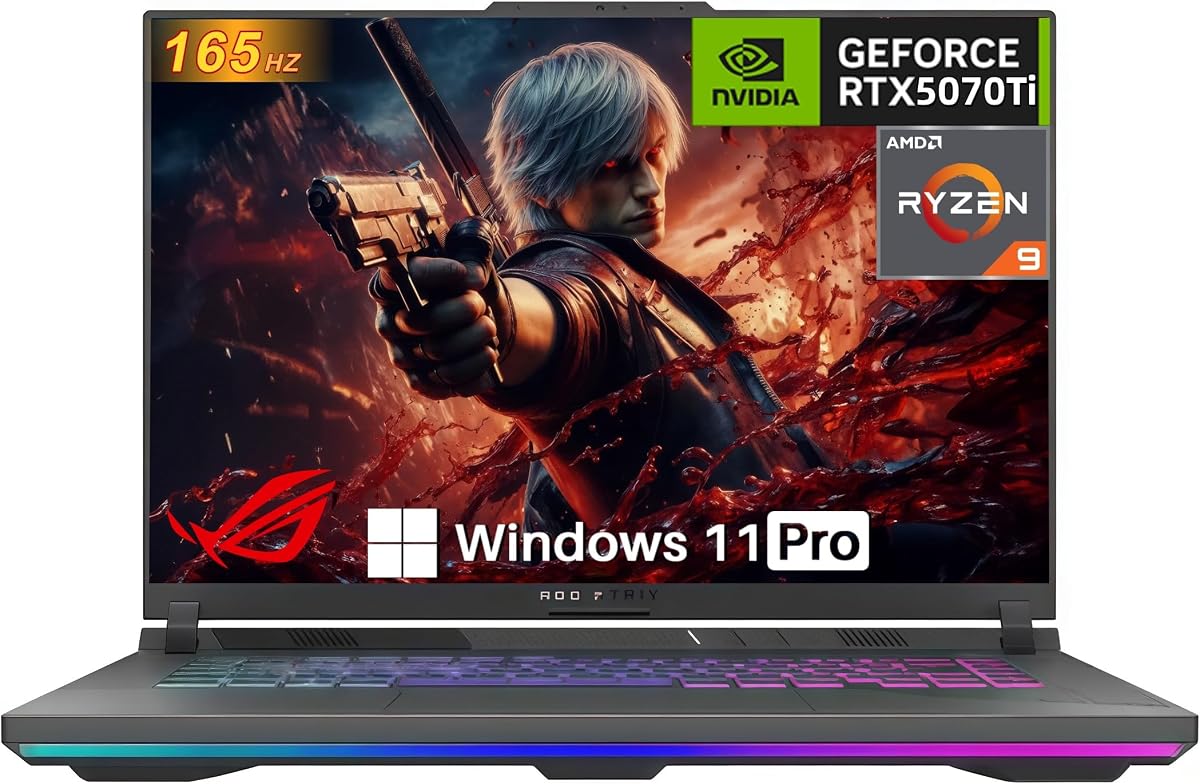
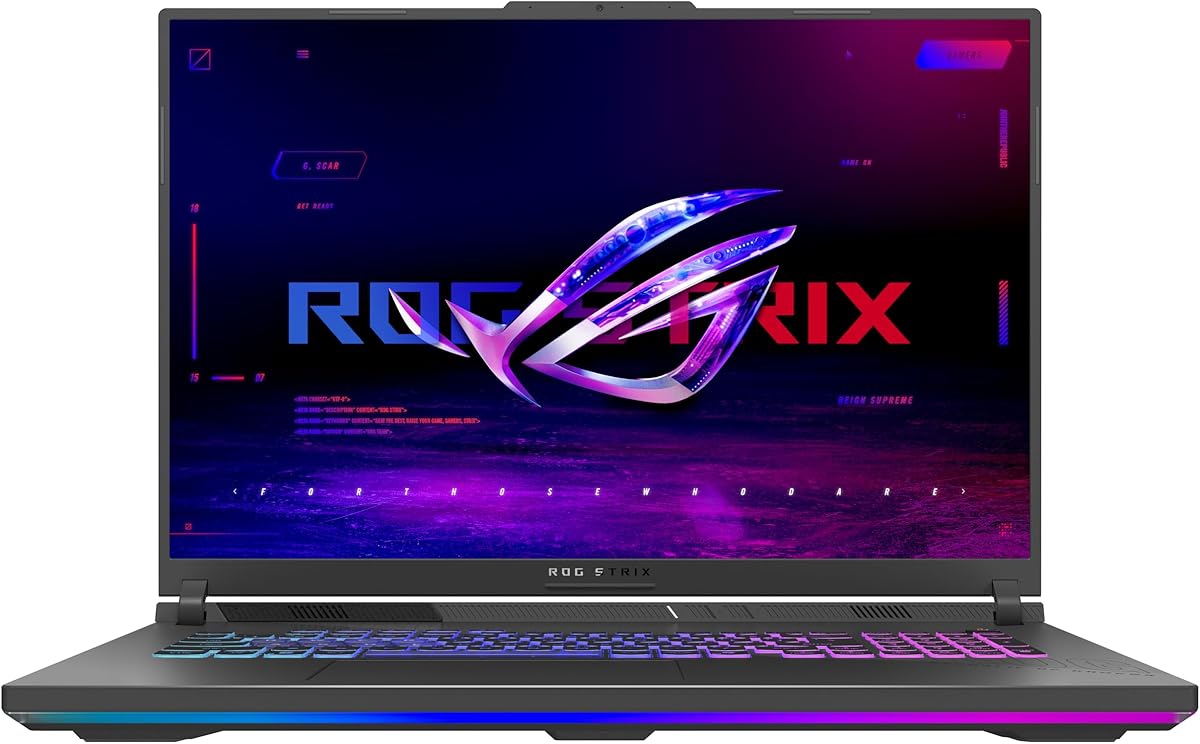
This model delivers high performance at a reasonable cost. It ranks top for budget seekers wanting solid gaming power.
We may earn a commission when you buy through this link, at no additional cost to you.
It features an Intel Core i7 14650HX and RTX 5060. The cooling system keeps temps low during long sessions.
While display is FHD+, the 165Hz rate ensures smooth visuals. Storage is ample for most users starting out.
Ideal for gamers needing speed without overspending. It balances specs and value effectively for everyday use.
High-end gaming without breaking the bank remains the core promise here.
Vapor chamber and liquid metal keep heat away from sensitive parts.
We may earn a commission when you buy through this link, at no additional cost to you.
A powerful machine for serious gamers wanting premium visuals. The 2.5K Nebula display is a standout feature here.
We may earn a commission when you buy through this link, at no additional cost to you.
It includes the RTX 5070 Ti and 32GB RAM for heavy multitasking. Thermal performance remains solid under load.
The price reflects high-end components. It suits creators and players needing top-tier speed.
Recommend for those prioritizing screen quality and raw power over portability.
CR2.5K Nebula screen delivers deep contrasts and vibrant colors.
Wi-Fi 7 ensures minimal latency for online gaming and transfers.
We may earn a commission when you buy through this link, at no additional cost to you.
This laptop offers the ultimate balance of power and display technology. Its HDR screen and 18-inch frame dominate the gaming experience.
We may earn a commission when you buy through this link, at no additional cost to you.
Features include RTX 5070 Ti and 32GB DDR5 RAM. Cooling is top-notch for maintaining peak performance.
It carries a premium price tag. Best for users needing desktop replacement power.
Highly recommended for enthusiasts wanting the best visual experience available.
The HDR display delivers deep blacks and bright highlights for immersive play.
Slide latches allow quick upgrades without screws for easy maintenance.
We may earn a commission when you buy through this link, at no additional cost to you.
This variant focuses on screen quality with a powerful CPU. The Nebula display is excellent for media consumption.
We may earn a commission when you buy through this link, at no additional cost to you.
It pairs an Ultra 9 processor with RTX 5060 GPU. This setup suits light gaming and heavy productivity.
The price may feel high for GPU specs. Best for those prioritizing visuals.
Ideal for creators needing color accuracy and a fast workflow.
The Nebula screen offers high resolution and refresh for fluid visuals.
Tri-fan tech ensures silence even during demanding tasks.
We may earn a commission when you buy through this link, at no additional cost to you.
This model highlights AMD Ryzen power for demanding workflows. It offers strong CPU performance for multitasking.
We may earn a commission when you buy through this link, at no additional cost to you.
The RTX 5070 ensures smooth gameplay. Cooling is efficient to keep heat down.
Battery life is better than typical gaming laptops. Great for mobile users.
Recommended for those preferring AMD CPUs and high refresh rates.
The 9955HX delivers raw speed for gaming and content creation.
Optimus switches GPUs to boost battery when not gaming.
We may earn a commission when you buy through this link, at no additional cost to you.
This model maximizes GPU power with a 140W TGP. It pushes high frame rates in modern titles.
We may earn a commission when you buy through this link, at no additional cost to you.
The Ryzen 9 CPU pairs with RTX 5070 Ti for balanced performance. Cooling keeps system quiet.
The display is WUXGA which is bright and fast. Ideal for gamers prioritizing speed.
Highly rated for its full GPU performance and robust specs.
Full TGP ensures RTX 5070 Ti performs at peak power.
32GB RAM handles multiple apps without slowdowns.
We may earn a commission when you buy through this link, at no additional cost to you.
This model is built for easy upgrades and high performance. Tool-free access lets you swap RAM quickly.
We may earn a commission when you buy through this link, at no additional cost to you.
It includes RTX 5070 Ti and Ryzen 9 for speed. The thermal design uses liquid metal for cooling.
It is quite heavy and costly. Best for users needing modularity.
Recommended for tinkerers who want easy maintenance and power.
Tool-free design makes RAM and SSD swaps simple and quick.
Conductonaut liquid metal keeps CPU temps low under load.
We may earn a commission when you buy through this link, at no additional cost to you.
This model stands out with top-tier components. The RTX 5080 GPU makes it a desktop replacement.
We may earn a commission when you buy through this link, at no additional cost to you.
Its Nebula HDR display offers rich visuals and high refresh. Cooling matches the power levels.
The price is steep but reflects top performance. Ideal for power users.
Highly recommended for those needing max speed and display quality.
RTX 5080 enables smooth gaming at high settings and resolutions.
Wi-Fi 7 ensures ultra-fast local network speeds and gaming.
We may earn a commission when you buy through this link, at no additional cost to you.
This model offers massive storage for game libraries. It pairs a powerful CPU with high RAM.
We may earn a commission when you buy through this link, at no additional cost to you.
The Nebula display and RTX 5070 ensure smooth gameplay. Wi-Fi 7 adds speed.
It is pricey and not for budget buyers. Ideal for collectors.
Highly recommended for those needing space for large game files.
Two TB space holds hundreds of games without external drives.
Nebula screen delivers vivid colors and high refresh rates.
We may earn a commission when you buy through this link, at no additional cost to you.
This model provides a larger screen for immersive gaming. The 18-inch display is great for multitasking.
We may earn a commission when you buy through this link, at no additional cost to you.
It has Ryzen 9 CPU but RTX 5050 GPU. Best for non-graphic tasks.
Cooling is solid for the size. Not ideal for heavy AAA titles.
Recommended for users prioritizing screen space over GPU power.
The 18-inch frame makes the screen feel huge and comfortable.
Tri-fan cooling keeps the system stable under normal workloads.
We may earn a commission when you buy through this link, at no additional cost to you.
Choosing the right laptop depends on your specific needs. We review key factors to help you pick the perfect ASUS ROG Strix model.
The CPU and GPU determine gaming performance. Look for Intel Core Ultra or AMD Ryzen 9 paired with RTX 5070 or higher.
Choose higher-end chips if you game heavily or edit video.
Display specs like refresh rate and color accuracy matter. A 240Hz Nebula HDR screen offers rich visuals and smooth motion.
Prioritize high refresh and brightness if you game in bright rooms.
Minimum 16GB RAM and 1TB SSD is standard. Consider 32GB RAM and 2TB SSD for heavy multitasking and large libraries.
More storage and RAM means future proofing.
Cooling matters for sustained performance. ROG Intelligent Cooling uses vapor chambers and liquid metal to keep temps low.
Check thermal design for quiet fans and sustained performance.
Wi-Fi 7 or 6E ensures fast wireless connections. Look for HDMI 2.1 and USB-C for external displays.
Ensure ports match your peripherals needs for gaming.
Battery varies by model. Look for Advanced Optimus to switch GPU modes automatically for power savings.
Prioritize power management if you work away from outlet.
Tool-free access makes upgrades easier. Models with tool-free RAM and SSD slots save time and cost.
Check upgrade options before buying to save future costs.
Prices vary widely based on specs. Set a budget balancing performance with cost.
Best models offer best value for your needs.
Place laptop on hard flat surface to ensure airflow. Avoid soft surfaces like beds.
Use ROG Armoury software to customize lighting and modes. This improves experience.
Clean vents and fans monthly to prevent dust buildup. Maintain good cooling.
The ROG Strix Scar 18 offers best performance with RTX 5070 Ti and Nebula HDR. For budget users, the G16 with RTX 5060 is solid. Choose based on screen and performance needs.
Yes all models support HDMI 2.1 and USB-C for external displays. Check ports on specific model for max resolution support.
Battery life varies by usage and model. Typically 4 to 7 hours for normal tasks. Gaming drains battery faster.
Yes most models offer tool-free access to RAM and SSD. Check specific model for upgrade options before buying.
Yes most come with Windows 11 Home or Pro depending on model. Verify OS version in product details.
Many models feature ACR film for reduced glare and contrast. This enhances viewing in bright environments.
We reviewed ten top models for performance and display quality. Pick based on your gaming needs and budget.
Prioritize GPU and display if gaming is your main goal. Check cooling and RAM for heavy use.
Prices change often so verify current prices before purchase. Always read latest reviews for updates.