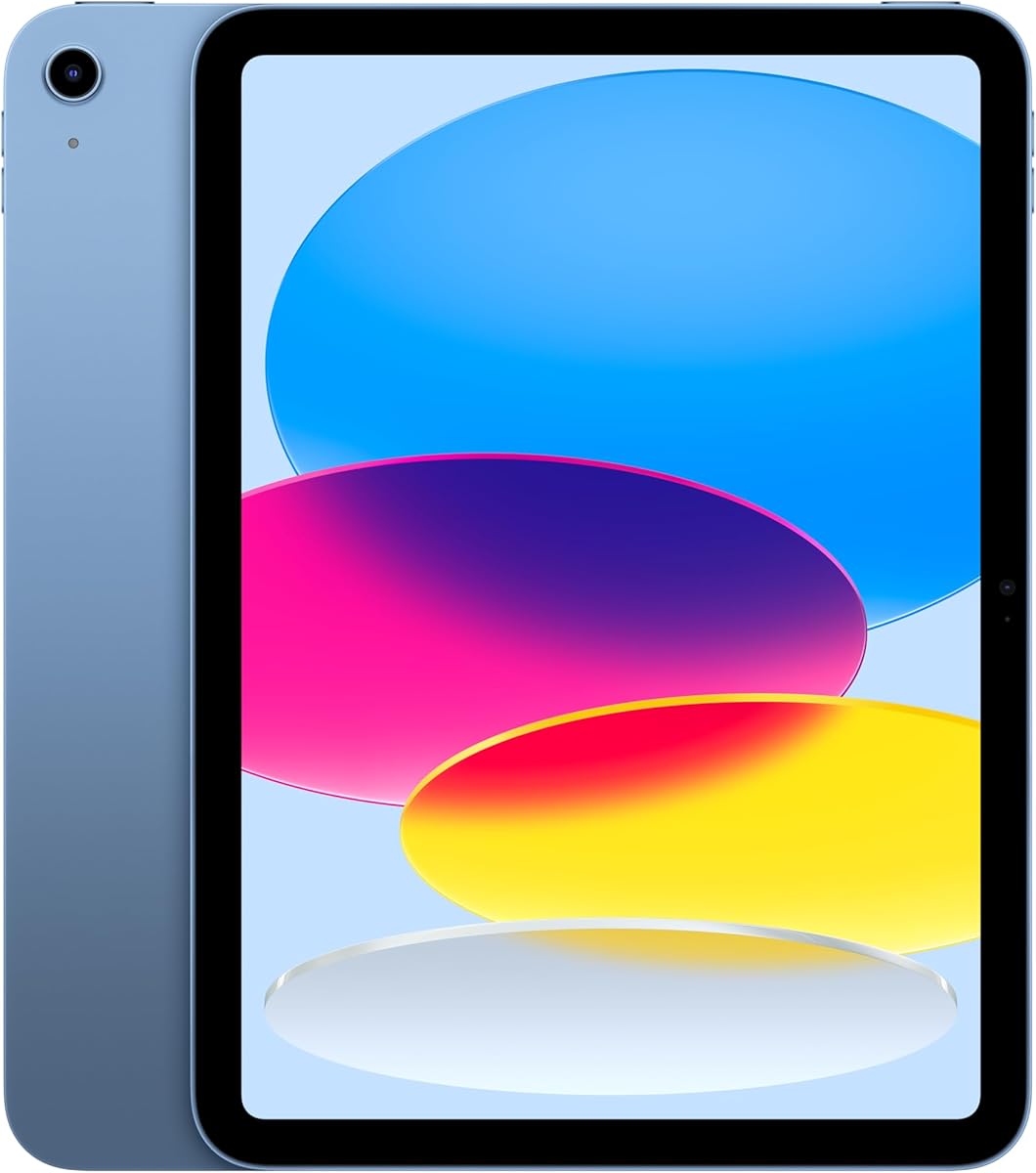
Apple iPad 11-inch
4.7Editor score
A16 chip performance
12MP Center Stage camera
All-day battery life
Finding the right device can be challenging for older adults who need simple interfaces and reliable connectivity. A good tablet should offer large icons, clear displays, and straightforward navigation to ensure a smooth experience without frustration.
We have carefully evaluated ten leading tablets designed with senior users in mind. Each product was assessed on usability features, build quality, connectivity options, and overall value to help you make an informed decision.
Every pick in this list highlights key strengths and potential limitations to give you a clear picture. Please note that prices and availability can change frequently, so verify current details before purchasing your next device.
4.7Editor score

4.5Editor score

4.5Editor score
As an Amazon Associate we earn from qualifying purchases.
The following table provides a side-by-side overview of all ten tablets to help you quickly compare key specifications and features at a glance.


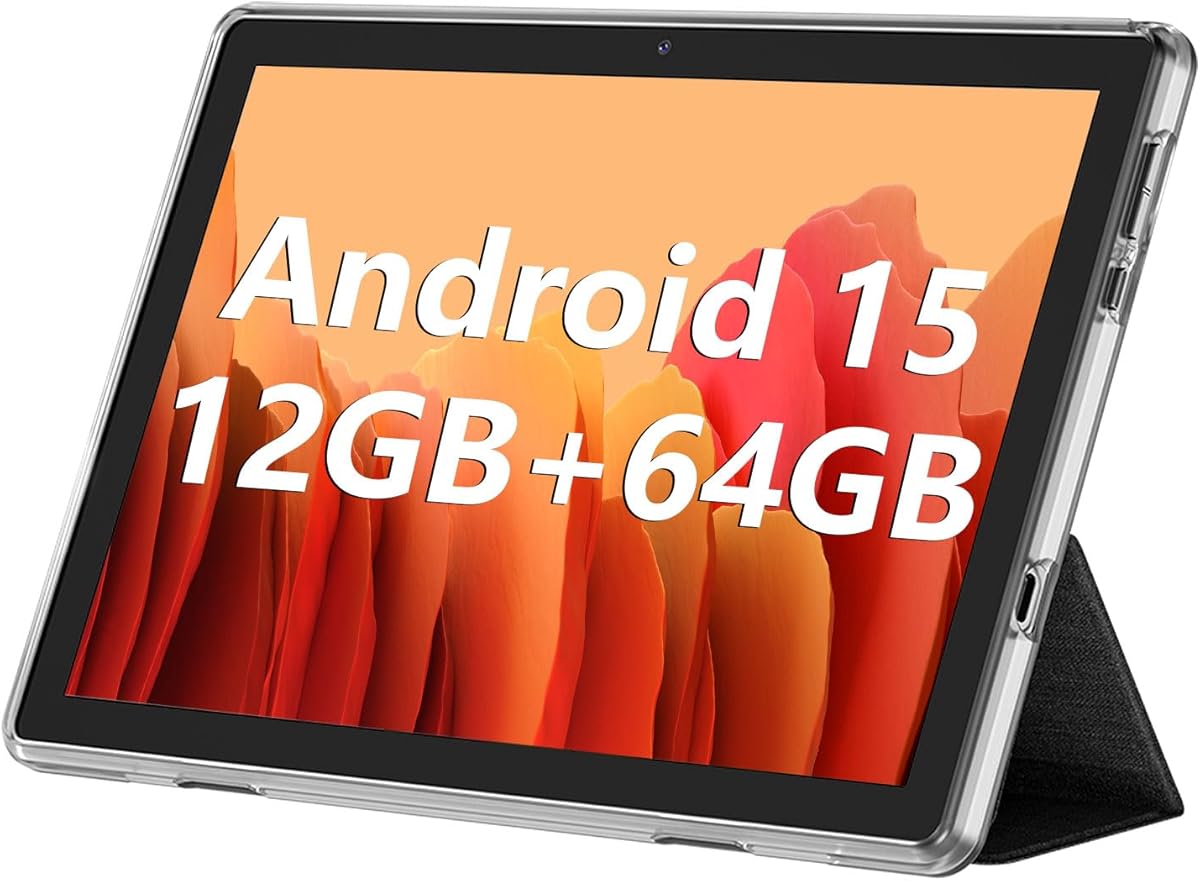


The GrandPad is a specialized device designed specifically for seniors who need a secure and simple way to stay connected. It combines a tablet and phone into one device with a locked interface that prevents accidental changes or exposure to harmful content.
We may earn a commission when you buy through this link, at no additional cost to you.
Its standout quality is the private network that blocks spam and scams, which is a major concern for older adults. The large icons and easy navigation make it intuitive for users with limited tech experience, while companion apps allow family to share photos and videos easily.
One trade-off is that it requires an activation plan starting at $25 per month, which adds to the initial cost. Additionally, it is not compatible with other wireless carriers, meaning you cannot switch providers easily. However, for peace of mind and safety, many families find this worthwhile.
This tablet is ideal for seniors who prioritize safety and simplicity over customization. It is highly recommended for families seeking a reliable way to connect with loved ones without worrying about technical issues or online threats.
The private network ensures that seniors are not exposed to spam or scams, providing a safe browsing environment.
Companion apps for iOS and Android let family members share photos and videos seamlessly with the senior user.
We may earn a commission when you buy through this link, at no additional cost to you.
The Pix Star Touch is marketed as an easy-to-learn tablet with a simplified interface designed for beginners. It features a 10.1 inch screen and includes essential apps for email, internet, and video conferencing to keep seniors connected with family.
We may earn a commission when you buy through this link, at no additional cost to you.
Its interface highlights important buttons to make navigation easier, and it includes a zoom feature to adjust the display size as needed. This makes it suitable for users who need larger text and icons to read comfortably without straining their eyes.
However, the product has a lower user rating which suggests potential issues with performance or support. The 32 GB storage is also modest compared to other tablets in this price range, which might limit media storage if you plan to save many photos.
This tablet is a decent option for those looking for a basic device with photo sharing capabilities. It is best suited for seniors who primarily need to stay in touch via email and video calls without complex features.
The clever zoom feature allows users to enlarge or reduce the user interface to fit their visual needs.
Built-in support for video conferencing and email ensures seniors can stay connected with friends and family.
We may earn a commission when you buy through this link, at no additional cost to you.
The Amazon Fire HD 10 is a versatile tablet that balances performance and affordability. It features a 10.1 inch Full HD screen that delivers vibrant colors for streaming and reading, making it easy to view content without glare.
We may earn a commission when you buy through this link, at no additional cost to you.
Key strengths include its long battery life of up to 13 hours and integration with Alexa for hands-free control. The ability to expand storage with a micro-SD card means you can save more books, videos, and apps without worrying about space.
One limitation is that it does not support the Google Play Store, which restricts access to certain apps. However, the Amazon Appstore offers many popular alternatives. This trade-off is acceptable for users who primarily use Amazon services and streaming platforms.
This tablet is recommended for seniors who want a reliable, full-featured device at a reasonable price. It is an excellent choice for media consumption, reading, and video calls with family.
The 10.1 inch Full HD display brings brilliant color to all your shows and games for immersive viewing.
Ask Alexa to help with recipes, jokes, reading, or controlling smart home devices with voice commands.
We may earn a commission when you buy through this link, at no additional cost to you.
The Samsung Galaxy Tab A11+ offers a large 11 inch screen that is perfect for viewing content clearly. It comes with 128GB of storage and powerful quad speakers that deliver an immersive audio experience for movies and music.
We may earn a commission when you buy through this link, at no additional cost to you.
Its intelligent features like Circle to Search make everyday tasks easier, and the fast charging capability ensures you spend less time plugged in. The large screen is particularly beneficial for seniors with vision impairments who need bigger text and icons.
On the downside, the device is heavier than smaller tablets, which might make it less comfortable to hold for long periods. It also has a higher price point than some competitors. However, the build quality and screen size justify the investment for many users.
This tablet is ideal for seniors who prioritize screen real estate and audio quality. It is a great choice for watching movies, reading, and video calls where clarity is key.
Quad speakers powered by Dolby Atmos create a cinema-like audio experience for immersive entertainment.
Features like Circle to Search help you get on-the-spot assistance with everyday tasks easily.
We may earn a commission when you buy through this link, at no additional cost to you.
The ECOPAD is a budget-friendly option that offers the latest Android 15 operating system. It features a 10.1 inch IPS touchscreen and substantial storage that can be expanded up to 1TB with an SD card for plenty of media space.
We may earn a commission when you buy through this link, at no additional cost to you.
It supports dual band WiFi for a stable internet connection and includes dual cameras for video calls and photos. The long battery life of up to 8 hours ensures you can use it throughout the day without frequent charging.
However, user reviews indicate some variability in performance and build quality. It may not be as polished as more expensive brands. For the price, it provides good value if you need basic functionality and storage capacity.
This tablet is suitable for budget-conscious buyers who want Android flexibility. It is best for casual use like browsing, reading, and video calls without needing high-end specs.
The latest Android 15 OS ensures smooth operation and seamless video playback and gaming.
Support for SD card expansion up to 1TB lets you store all photos and files without concerns.
We may earn a commission when you buy through this link, at no additional cost to you.
The Amazon Fire HD 8 is a compact tablet that is easy to hold and carry. It features an 8 inch HD display and offers up to 13 hours of battery life, making it perfect for reading and browsing without interruption.
We may earn a commission when you buy through this link, at no additional cost to you.
Its affordability makes it an excellent entry-level option for seniors who want a reliable device without spending a lot. Alexa integration allows for hands-free control of smart devices and music, adding convenience to daily routines.
The smaller screen might be harder to read for those with significant vision issues compared to 10 inch models. Additionally, it does not support the Google Play Store. For basic tasks and portability, it remains a strong contender.
This tablet is recommended for seniors who prioritize portability and ease of use. It is great for reading books, checking email, and quick video calls on the go.
Thin, light, and durable design makes it easy to carry anywhere and hold for long periods.
Ask Alexa to make video calls, listen to music, or update shopping lists with simple voice commands.
We may earn a commission when you buy through this link, at no additional cost to you.
The Lenovo Tab One is designed for portability with a lightweight build that weighs less than a pound. It includes a folio case with a built-in stand, which is helpful for hands-free viewing during video calls or watching movies.
We may earn a commission when you buy through this link, at no additional cost to you.
Its battery life supports up to 12.5 hours of YouTube streaming, ensuring you can enjoy content throughout the day. The modern design fits easily into a purse or backpack, making it convenient to take around the house or on trips.
The screen size is smaller than some competitors, which might limit the viewing experience for some users. Performance is adequate for basic tasks but may not handle heavy multitasking well. The included case adds significant value however.
This tablet is ideal for seniors who need a lightweight device for entertainment. It is a great choice for casual media consumption and staying connected with family via video.
The Tab One provides non-stop entertainment everywhere with a design that fits easily in your hand.
The folio case provides all-around protection and a built-in stand for hands-free viewing.
We may earn a commission when you buy through this link, at no additional cost to you.
The FEONAL tablet runs the latest Android 16 operating system which offers enhanced privacy and data control. It features an 11 inch display and supports dual 4G LTE for connectivity even without WiFi access.
We may earn a commission when you buy through this link, at no additional cost to you.
With 128GB of storage and a powerful 7000mAh battery, it provides ample space for apps and long standby times. The split-screen functionality allows you to run multiple apps at once, increasing productivity for tasks like email and browsing.
However, it is a less known brand compared to major manufacturers, which might affect long-term support. The setup process might be slightly more complex for beginners. Overall, it offers strong specs for the price point.
This tablet is suitable for seniors who want modern features and reliable connectivity. It is a good option for users who need cellular data and larger storage capacity.
Powered by the newest Android 16 OS for a smoother and more efficient user experience with privacy control.
Dual 4G LTE support lets you work and connect online seamlessly even without WiFi networks.
We may earn a commission when you buy through this link, at no additional cost to you.
The Apple iPad 11-inch offers top-tier performance with its A16 chip and stunning Liquid Retina display. It provides a seamless experience for tasks ranging from gaming to video editing with all-day battery life.
We may earn a commission when you buy through this link, at no additional cost to you.
Its 12MP cameras are excellent for high-quality video calls allowing you to see expressions clearly. Touch ID ensures secure access, and the app ecosystem is vast with many apps optimized for the tablet.
The higher price point might be a consideration for some buyers. Additionally, accessories like keyboards and styluses are sold separately. However, the build quality and long-term support make it a valuable investment.
This tablet is recommended for seniors who want the best in reliability and performance. It is perfect for those who value high-quality media and secure access to their content.
The A16 chip boosts performance for activities and all-day battery life ensures you stay connected longer.
12MP Center Stage camera is perfect for video calls showing every smile in lifelike detail.
We may earn a commission when you buy through this link, at no additional cost to you.
The Samsung Galaxy Tab A11 WiFi is a compact tablet with a 8.7 inch display that is easy to handle. It runs Android 15 and offers expandable storage via microSD cards for additional media capacity.
We may earn a commission when you buy through this link, at no additional cost to you.
Its portability makes it a great choice for seniors who want a simple device for browsing and reading. The display supports a 90Hz refresh rate for smooth scrolling which reduces eye strain during long sessions.
The Wi-Fi only limitation means you need a home internet connection for full use. It is an international version which might have setup nuances. For casual use at home, it is a practical and affordable option.
This tablet is ideal for seniors who want a lightweight Android device. It is best for those who do not require cellular connectivity and prefer a smaller form factor.
8.7 inch 90Hz display delivers fluid motion making it easy to browse and read comfortably.
MicroSD card slot supports up to 2TB expanded memory so you can store more content.
We may earn a commission when you buy through this link, at no additional cost to you.
Selecting the right tablet involves considering several key factors that impact daily usability and satisfaction for senior users.
A larger screen with high resolution helps seniors read text and view images clearly. Look for sizes between 8 and 11 inches with bright displays and options to adjust text size.
Prioritize Full HD or better resolution to reduce eye strain and ensure a sharp visual experience.
An intuitive user interface with large icons and clear navigation is essential for ease of use. Simplified modes or launchers can help seniors focus on essential functions without clutter.
Choose devices that offer custom interfaces or launcher options designed for older adults.
Wi-Fi connectivity is standard but some seniors may benefit from cellular options for internet access on the go. Ensure the tablet supports reliable connections for video calls and updates.
Verify that the chosen model supports your preferred network type for consistent connectivity.
Long battery life ensures the device remains usable throughout the day without frequent charging. Aim for tablets that offer at least 10 hours of usage to avoid interruptions.
Look for fast charging capabilities to reduce downtime when power is low.
Adequate storage is important for saving photos, videos, and apps. Internal storage of at least 64GB is recommended with SD card support for expandability.
Ensure the tablet allows storage expansion so you never run out of space for memories.
Front-facing cameras are vital for video calls with family. Higher resolution cameras capture clearer images and help users see expressions better.
Select models with front cameras that support high quality video and stable performance.
Security features like secure networks and customer support are valuable for older users. Look for options that block scams and provide US-based support.
Consider devices that include built-in security features to protect against online threats.
Lightweight and durable designs make the tablet easier to handle and reduce the risk of damage. A comfortable grip and lightweight body are essential for prolonged use.
Choose models with protective cases included to ensure durability and portability.
Begin by setting up the tablet with help from a family member to ensure all settings are configured correctly. Adjust text size and brightness to comfortable levels before starting daily use.
Keep the device clean using a soft cloth and avoid exposing it to liquids or extreme temperatures. Regularly charge the battery to maintain optimal performance and extend its lifespan.
Update apps and software regularly to access new features and security patches. Reach out to support if you encounter issues to ensure a smooth experience over time.
A tablet designed for seniors typically features large icons, simplified navigation, and clear displays. It should include options to adjust text size and volume easily along with straightforward settings menus.
Most tablets require internet to download apps and update software but some features work offline. Having Wi-Fi ensures you can use video calling and browsing features effectively.
Many senior-friendly tablets include security features that block spam and suspicious links. Devices like GrandPad use private networks specifically designed to prevent scams and ensure safety.
Aim for at least 10 hours of battery life to avoid daily charging interruptions. Longer battery life ensures the device remains ready for video calls and entertainment whenever needed.
Many models support storage expansion via microSD cards. Check the device specifications to confirm if it allows adding extra storage for photos and apps.
Yes most modern tablets come with built-in cameras and apps for video calling. You can use apps like Zoom or built-in features to connect with family easily.
Most manufacturers offer customer support to assist with setup. You can also ask family members or local tech support to help configure the device initially.
Updates should be installed regularly to ensure security and performance. Enable automatic updates if possible so you never miss important patches and features.
We have explored ten excellent options ranging from simple secure devices to versatile performance tablets. The Amazon Fire HD 10, Apple iPad 11-inch, and Amazon Fire HD 8 stand out for their balance of features and value.
Prioritize screen size, interface simplicity, and battery life to ensure your loved one can enjoy their device without frustration. Consider how often they will use the tablet and what specific features matter most to them.
Prices and availability may change so please check current details before purchasing. Choosing the right tablet will enhance connection and make digital life easier and safer for seniors.