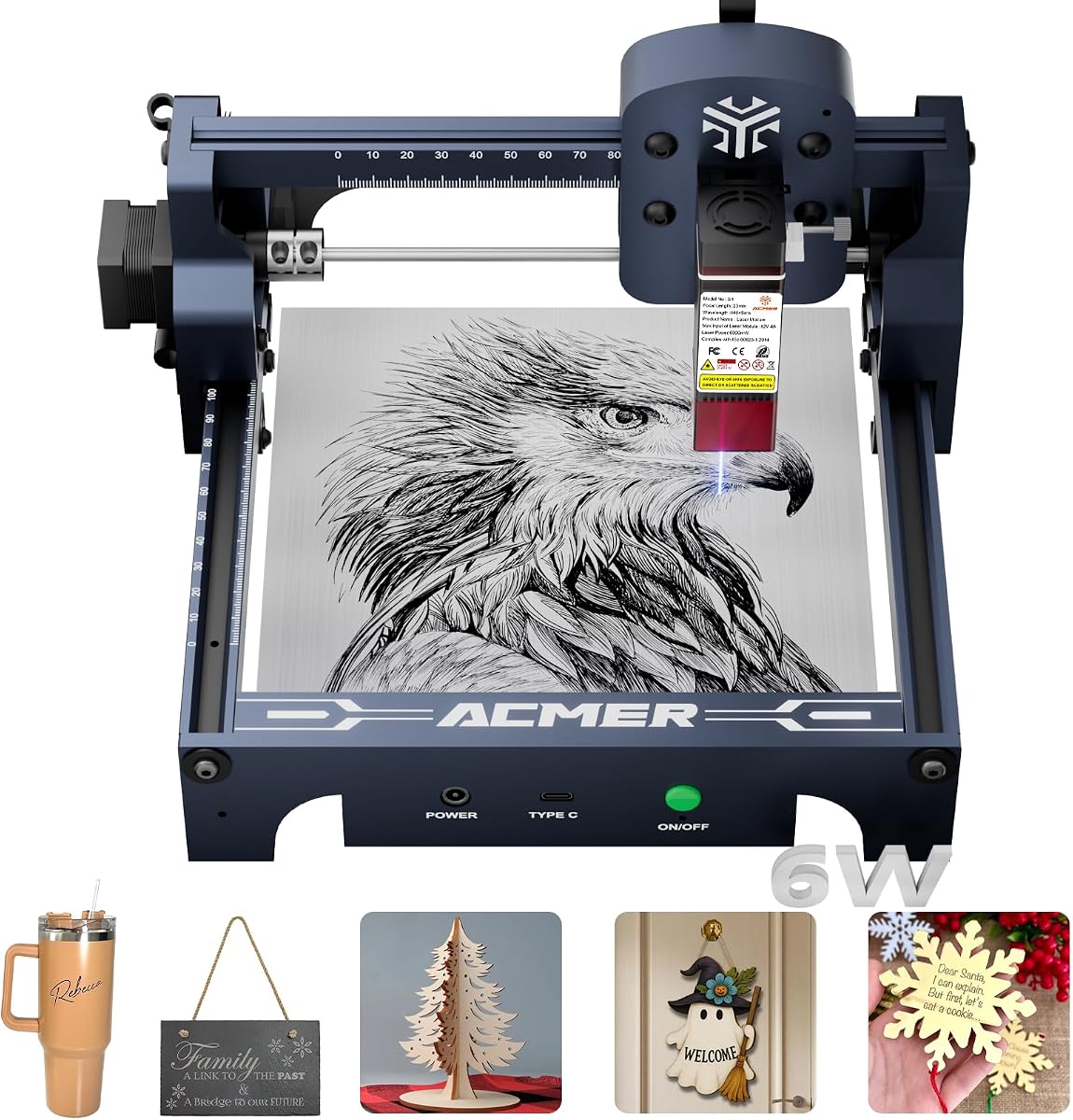
ACMER S1 Laser Engraver Machine
4.3Editor score
6000mW Laser Power
130x130mm Workspace
Preassembled Design
This guide compares the top 10 Acmer laser engraver models for precision cutting and engraving across various materials and project sizes.
Finding the right laser engraver can transform your creative projects into professional results. Acmer offers a range of models suitable for hobbyists and small businesses alike.
We evaluated ten top-rated Acmer laser engravers based on power, precision, software compatibility, and safety features to help you make an informed decision today.
Each pick highlights key strengths and ideal use cases. Keep in mind that prices and availability may change, so check the latest listings before purchasing.
4.3Editor score

4.4Editor score

5.0Editor score
The following table provides a side-by-side comparison of all ten Acmer laser engraver models to help you quickly identify the right fit for your needs.



The ACMER S2 Laser Engraver stands out with its powerful 12000mW laser module and spacious 300x300mm workspace. It earns a solid 4.4 rating for balancing performance and versatility.
We may earn a commission when you buy through this link, at no additional cost to you.
Its true 12W power allows cutting through 15mm paulownia wood and 12mm black acrylic with multiple passes. The 0.01mm positioning accuracy ensures fine details in photos and text.
While the software workflow is smooth, beginners might need time to learn LightBurn or LaserGRBL. Assembly is manageable but not instant compared to fully prebuilt units.
Buyers seeking a reliable workhorse for signs, crafts, or small business projects will find this model excellent. It grows with your skills through optional rotary modules.
Works with 100+ materials including wood, leather, acrylic, and coated metal for diverse project possibilities.
Includes anti-UV shield, safety goggles, and motion protection to pause operation during abnormal movement.
We may earn a commission when you buy through this link, at no additional cost to you.
This variant of the S2 emphasizes AI design tools for easier project creation. It maintains the same 12000mW power and 300x300mm workspace as other models.
We may earn a commission when you buy through this link, at no additional cost to you.
The built-in AI tools turn text prompts or photos into designs quickly. Combined with LightBurn support, it offers flexibility for users of all skill levels.
While the AI helps streamline setup, complex designs may still require external software tweaking. Ensure you have a powerful computer for smooth AI processing.
Ideal for those new to laser engraving who want advanced features without steep learning curves. It simplifies design entry while keeping professional output capabilities.
Converts text prompts or photos into engraving designs quickly to save time on project setup.
Features a 32-bit chip enabling engraving speeds up to 10000mm/min for efficient workflow.
We may earn a commission when you buy through this link, at no additional cost to you.
The ACMER S1 is a lightweight, affordable option for home users. With 6000mW power and a compact 130x130mm workspace, it fits easily in small spaces.
We may earn a commission when you buy through this link, at no additional cost to you.
It arrives 99% preassembled, requiring only one minute for laser head installation. This makes it perfect for beginners wanting immediate use without tools.
The smaller workspace limits large projects but suits jewelry or small crafts. Power is sufficient for thin wood and acrylic, but not thick cutting.
Choose this if portability and low entry cost are priorities. It supports LightBurn and LaserGRBL ensuring flexibility as you grow your skills.
Weighing just 2kg with industrial-grade aluminum alloy for easy transport and storage.
Preassembled design minimizes setup time so you can start projects immediately after unboxing.
We may earn a commission when you buy through this link, at no additional cost to you.
With a perfect 5.0 rating, this S2 model highlights user satisfaction. It offers 7000mW power and the same 300x300mm workspace as higher variants.
We may earn a commission when you buy through this link, at no additional cost to you.
Motion detection and anti-UV shields add peace of mind for home workshops. The spot size ensures clean edges on photos and logos.
Cutting is limited to 13mm wood with passes which may not suit heavy industrial needs. However, it excels at engraving and light cutting tasks.
Recommended for students or hobbyists valuing safety and detail. It provides professional results without the complexity of higher-end industrial units.
Motion-detection auto-pause reduces accidental exposure by stopping operation when anomalies occur.
Ultra-fine laser spot helps achieve sharper details and consistent outputs for personalized gifts.
We may earn a commission when you buy through this link, at no additional cost to you.
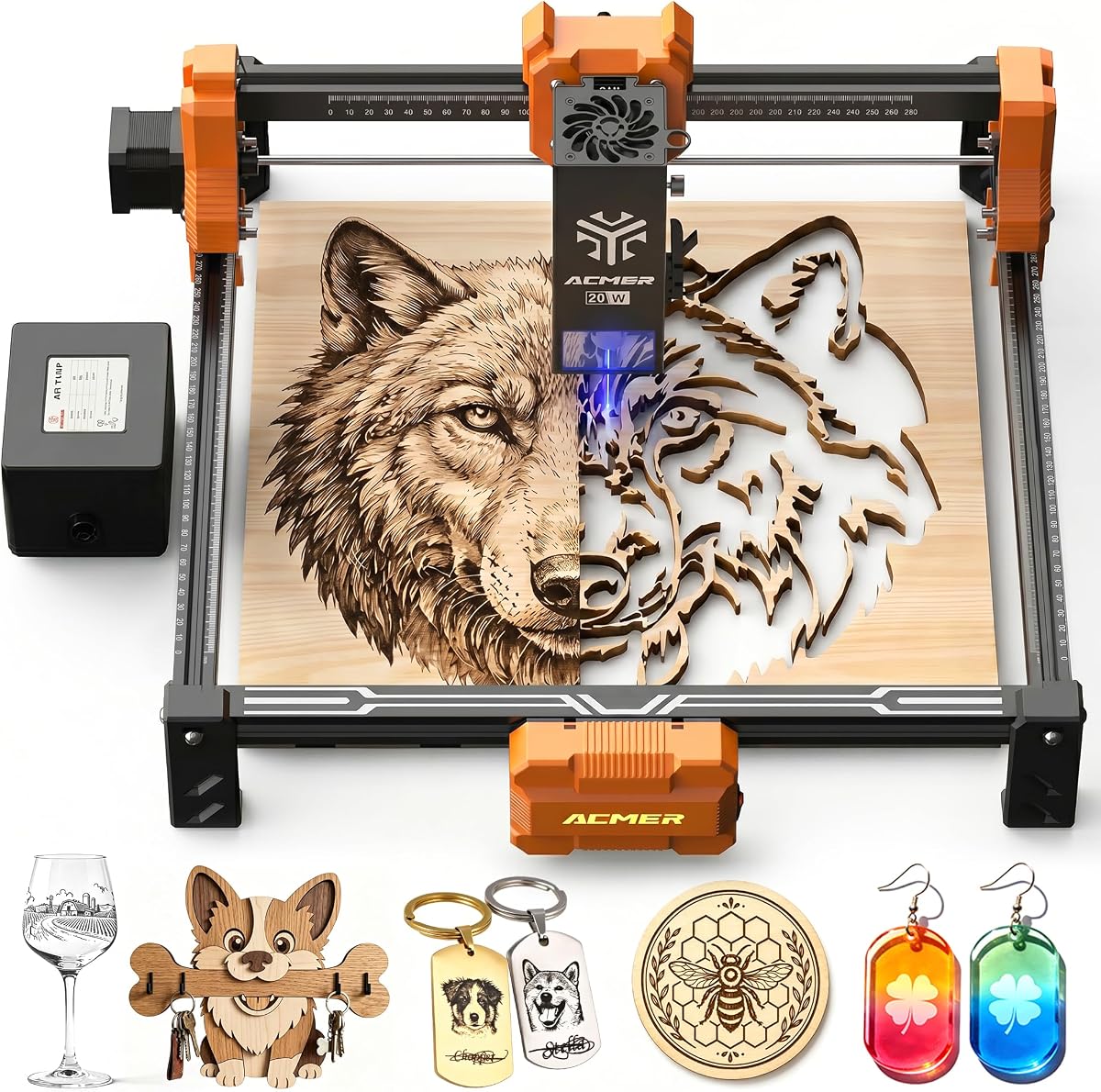
The P1 S Pro delivers a true 20000mW diode laser for serious cutting and engraving. A 5.0 rating confirms its reliability for batch production.
We may earn a commission when you buy through this link, at no additional cost to you.
Its built-in air assist reduces burn marks on wood and acrylic significantly. This feature is often an add-on cost with other models.
While it supports standard file formats, ensure your computer handles the speed well. The 8000-hour lens lifespan offers long-term value.
Perfect for small businesses needing higher throughput without stepping to industrial machines. The air assist alone justifies the investment for quality cuts.
Includes 25L/min air pump to minimize burn marks and protect the laser lens during use.
Supports speeds up to 10000mm/min with stable operation for efficient batch projects.
We may earn a commission when you buy through this link, at no additional cost to you.
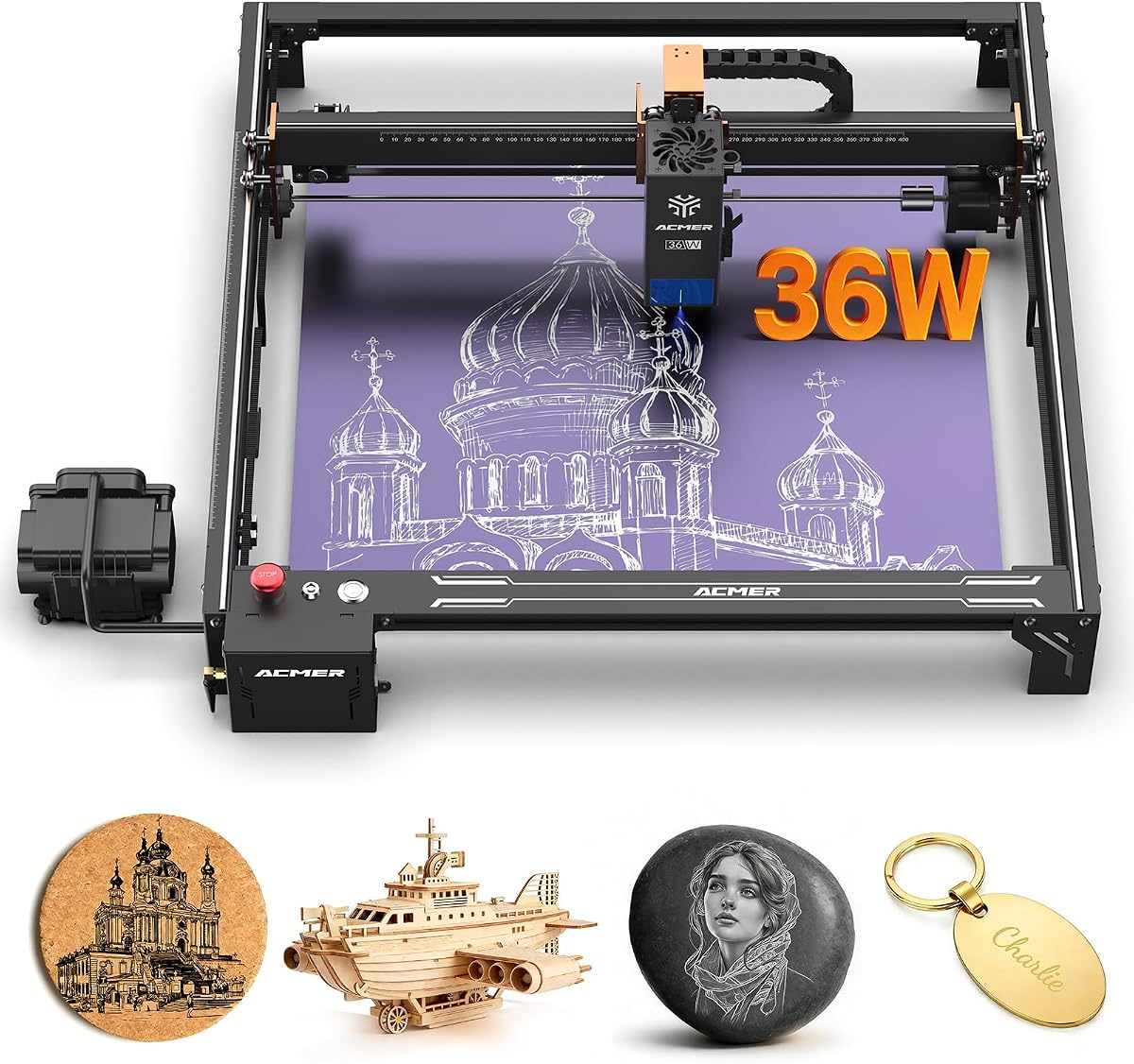
This S2 Pro version targets professionals with 36000mW power and dual linear rails for stability. The 400x400mm workspace handles large projects effortlessly.
We may earn a commission when you buy through this link, at no additional cost to you.
Automatic 30L/min air assist keeps edges clean and protects optics. WiFi control enables offline engraving which streamlines production workflows.
While stable, the higher price reflects its professional features. Beginners may find it overkill unless they plan immediate high-volume output.
Ideal for small businesses scaling up production. The rail system ensures precision over long runs where standard models might drift.
Dual linear rail system reduces vibration for smooth operation during long production runs.
Supports WiFi and TF card for offline engraving without continuous PC connection needed.
We may earn a commission when you buy through this link, at no additional cost to you.
With another 5.0 rating, this 20W model balances power and size. It includes a 25L/min air assist pump for cleaner cutting edge quality.
We may earn a commission when you buy through this link, at no additional cost to you.
The 300x285mm workspace is slightly smaller but efficient for signs or medium crafts. Limit switches prevent damage and ensure accurate area definition.
Acceleration up to 300mm/s² ensures quick starts and stops without compromising detail. Users appreciate the professional-grade operation at a lower cost.
Suitable for hobbyists wanting pro features. It supports standard file formats and OS platforms for seamless integration into existing workflows.
25L/min air assist pump reduces burn marks and improves overall finish on materials.
Built-in limit switches help define working area accurately to prevent frame hits.
We may earn a commission when you buy through this link, at no additional cost to you.
The P3 offers dual laser outputs switching between 24W and 48W for unmatched versatility. A closed box design reduces smoke and noise significantly.
We may earn a commission when you buy through this link, at no additional cost to you.
CoreXY structure ensures precision down to 0.01mm even at high speeds. The visual camera simplifies positioning for intricate designs.
Fire detection and over-temperature protection provide peace of mind. It is built for professional studios needing safety and precision combined.
Recommended for high-end production environments. While expensive, the safety and feature set justify the cost for serious professionals.
Switchable 24W and 48W outputs allow adapting power to material needs seamlessly.
Closed-box design reduces 90% smoke and sound while offering integrated flame detection.
We may earn a commission when you buy through this link, at no additional cost to you.
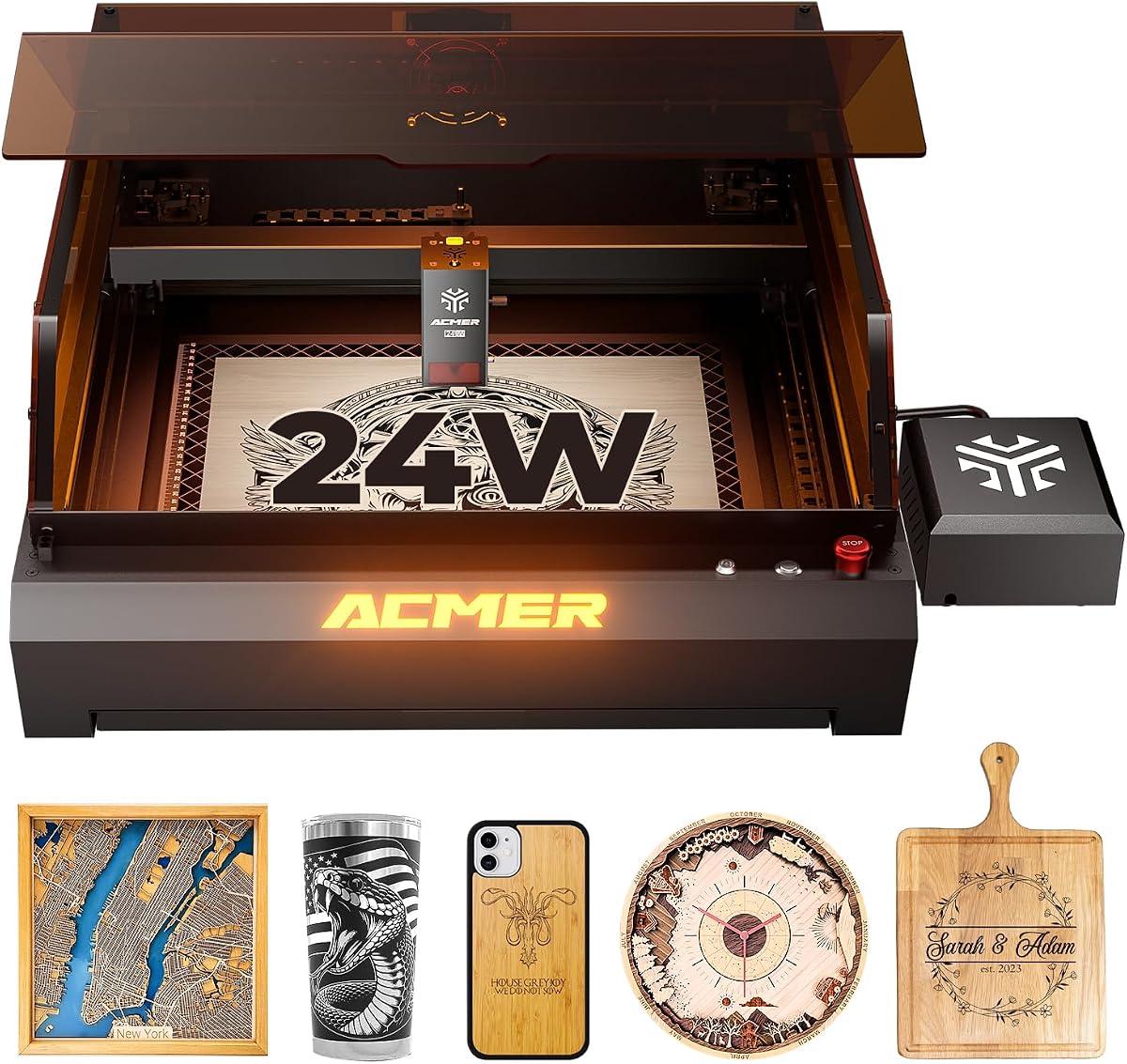
This P3 model features a 24W output with integrated housing for safety. The closed box blocks smoke and noise effectively in home studios.
We may earn a commission when you buy through this link, at no additional cost to you.
The built-in camera allows free dragging of materials on screen for precise positioning. Industrial guides increase stability by 20% over rollers.
Motion compensation ensures clarity at high speeds without blurring. This suits professional engraving requiring high accuracy on large areas.
Best for users needing large format and safety. Mobile app support adds flexibility for remote control in workshop environments.
Motion compensation algorithm prevents blurring and frame loss during high-speed engraving.
Industrial guide and aviation aluminum frame provide 20% increased stability for precision.
We may earn a commission when you buy through this link, at no additional cost to you.
This 6W model offers an unusually large 380x370mm workspace for its class. It maintains a 5.0 rating for reliable operation and connectivity.
We may earn a commission when you buy through this link, at no additional cost to you.
WiFi control and mobile app support add convenience for remote monitoring. The dual-beam module ensures 0.01mm precision despite lower power.
Cutting is limited to 12mm wood which is sufficient for many crafts. Rotary options expand versatility to tumblers without extra hardware.
Great for small business needing large workspace on a budget. Safety certifications ensure safe use even in shared or family environments.
380x370mm workspace accommodates larger scale designs without requiring multiple setups.
WiFi control and mobile apps allow for convenient operation and remote monitoring capabilities.
We may earn a commission when you buy through this link, at no additional cost to you.
Selecting the right engraver depends on your specific project needs and workspace constraints. Understanding key factors ensures you invest wisely.
Laser power measured in milliwatts or watts determines cutting depth and speed. Higher power like 20W or 36W allows cutting thicker materials efficiently.
Look for true power ratings rather than marketing peaks to ensure consistent performance across materials.
The workspace dimensions define the maximum size of material you can engrave in one pass. Sizes range from compact 130mm to large 400mm.
Choose a size matching your common project types to avoid unnecessary repositioning or multiple setups.
Software determines ease of use and design capabilities. ACMER Studio offers beginner tools while LightBurn supports professionals with advanced features.
Ensure the machine supports software you prefer to streamline your design and engraving workflow.
Spot size affects detail resolution. Smaller spots like 0.08mm produce sharper edges for fine text and intricate photos.
Prioritize models with high positioning accuracy if detailed graphics or small text are common needs.
Safety features protect eyes and workspace. Look for anti-UV shields, motion detection, and closed-box designs for noise reduction.
Choose models with Class 1 certification or included safety goggles to maintain a safe environment.
Connectivity affects flexibility. WiFi, USB, and TF card support allow offline engraving which streamlines workflow.
Select models matching your preferred method to simplify data transfer during production.
Optional accessories like rotary modules extend functionality. Consider if you plan to engrave cylindrical items in future.
Choosing a model with available accessories allows growing capabilities without replacing the entire system.
Build materials like aluminum alloy or linear rails impact stability. Robust construction reduces vibration and increases lifespan.
Invest in durable frames if you plan frequent or long-duration engraving sessions.
Begin by assembling the unit according to instructions ensuring all screws are tightened properly. Verify the laser head is mounted securely before powering on.
Use protective goggles and work in a ventilated area to minimize fumes. Always supervise the machine during operation to prevent fires or accidents.
Clean the lens regularly with compressed air and soft cloth to maintain spot quality. Store in a dry place to protect electronics from humidity.
Standard diode engravers like these models can mark coated metals but not cut solid metal. For solid metal cutting you need a fiber laser which is different technology.
No special software is required. They work with ACMER Studio and popular third-party tools like LightBurn and LaserGRBL offering flexibility.
Laser modules typically last around 8000 hours depending on usage intensity. Proper cooling and ventilation help extend this lifespan significantly.
Yes when safety goggles and shields are used. Some models include motion detection and fire sensors that enhance home safety significantly.
You can engrave wood, acrylic, leather, paper, and coated metals. Avoid PVC or vinyl as it releases harmful gases when cut.
Select models support WiFi control and mobile apps. Check specific product descriptions for app availability before purchasing.
The ACMER S2 series balances power and usability for most users while the P3 models offer premium features for pros.
Prioritize workspace size and power output based on typical materials you plan to cut or engrave regularly.
Prices fluctuate often so compare current listings and check for bundle deals on accessories before finalizing your order.