
Duyasurs 3Pack Upgraded USB C to USB Adapter
4.6Editor score
High speed 5Gbps data transfer
Compact lightweight plug and play
Includes mini LED indicators
Discover the top ten Female USB Adapter options for reliable connectivity and fast data transfer across your devices this month.
Choosing the right Female USB Adapter ensures your modern devices can connect with legacy accessories seamlessly. A good adapter offers durable construction and fast transfer speeds for daily tasks.
We compared ten top-rated models based on compatibility, build quality, and transfer performance. This list covers adapters for laptops, phones, and tablets from trusted brands like Anker and UGREEN.
Each pick highlights specific strengths like budget pricing or premium materials. Please note that prices and availability change frequently, so verify details before purchasing your next adapter today.
4.6Editor score

4.8Editor score

4.7Editor score
This side-by-side comparison highlights key specifications for all ten selected models to help you find the perfect match for your specific connectivity needs today.




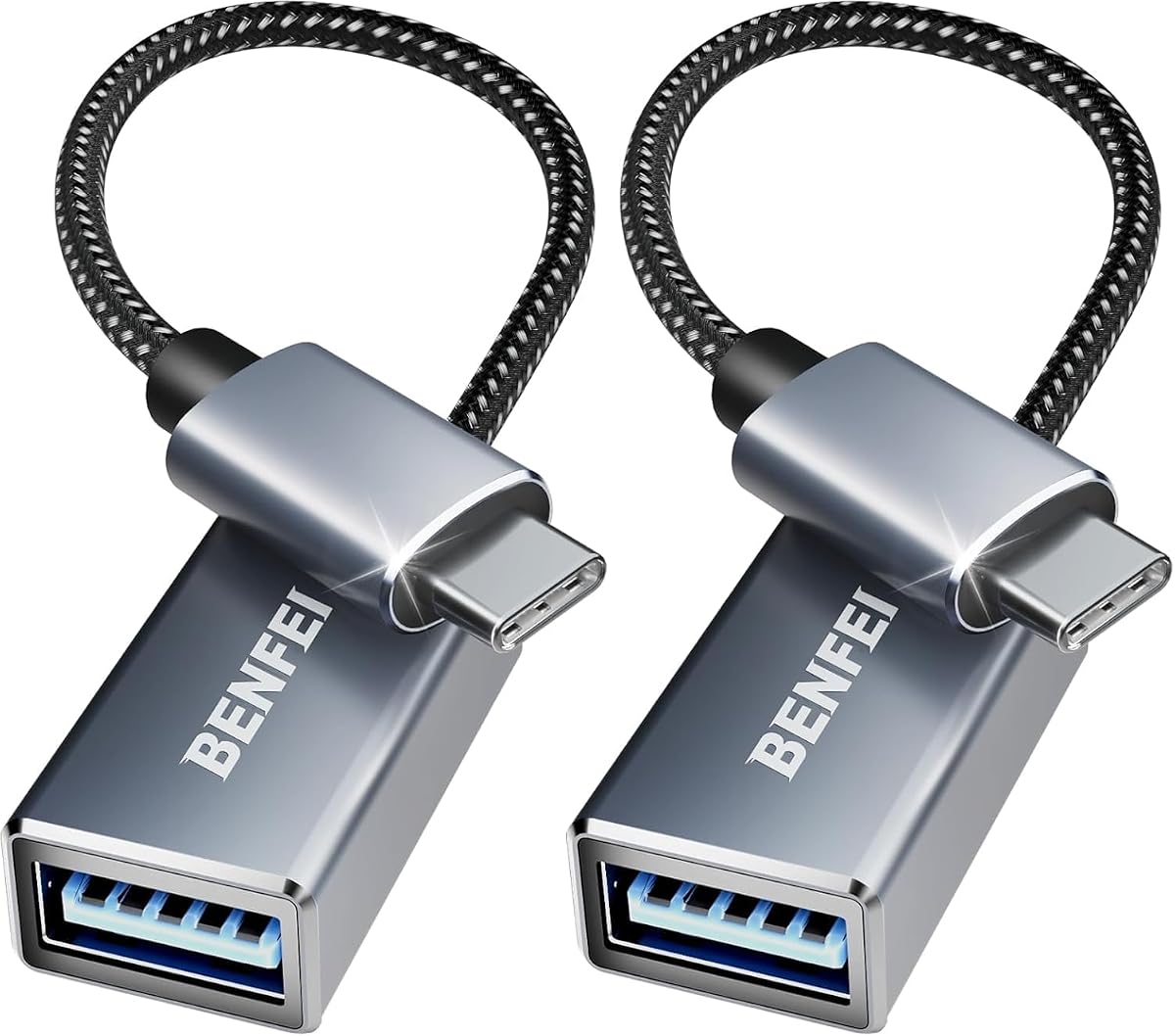
This JSAUX adapter ranks first due to its reliable performance and robust build quality. With a high rating of 4.7 stars, it stands out as a top choice for connecting peripherals to USB C devices.
We may earn a commission when you buy through this link, at no additional cost to you.
Its USB 3.0 support ensures super speed data transfer up to 5Gbps, making file moves quick and efficient. The nylon braided design prevents tangling, while the aluminum body adds significant durability for daily use.
While it lacks video output capabilities, this adapter excels at its primary job of connecting storage and input devices. The trade-off is acceptable given its focused design and affordable price point.
Buy this if you need a dependable adapter for keyboards, mice, or flash drives on your laptop or phone. Its compatibility with many models makes it a versatile addition to your tech kit.
The 5Gbps transfer rate ensures you can move large files like HD movies without long waits.
Premium nylon braiding keeps the cable organized and adds extra strength against wear and tear.
We may earn a commission when you buy through this link, at no additional cost to you.
Anker is a trusted name in connectivity, and this adapter set proves why with its top 4.8 rating. The premium aluminum finish matches MacBook Pro aesthetics perfectly for a seamless look.
We may earn a commission when you buy through this link, at no additional cost to you.
Its standout feature is the slim form factor that allows two adapters to sit side by side without blocking adjacent ports. This design choice shows deep understanding of modern laptop port layouts.
While the cost is higher than budget options, the durability justifies the investment. The connectors are engineered to handle 10000 plug cycles, ensuring longevity that rivals many cheaper counterparts.
This is the ideal choice for professionals who value build quality and design consistency. It is perfect for daily use with MacBooks and other premium devices requiring reliable data transfer.
The ultra-slim profile ensures you can plug in multiple devices without losing access to neighboring ports.
Space gray aluminum resists scratches and blends stylishly with high-end laptops like the MacBook Pro.
We may earn a commission when you buy through this link, at no additional cost to you.
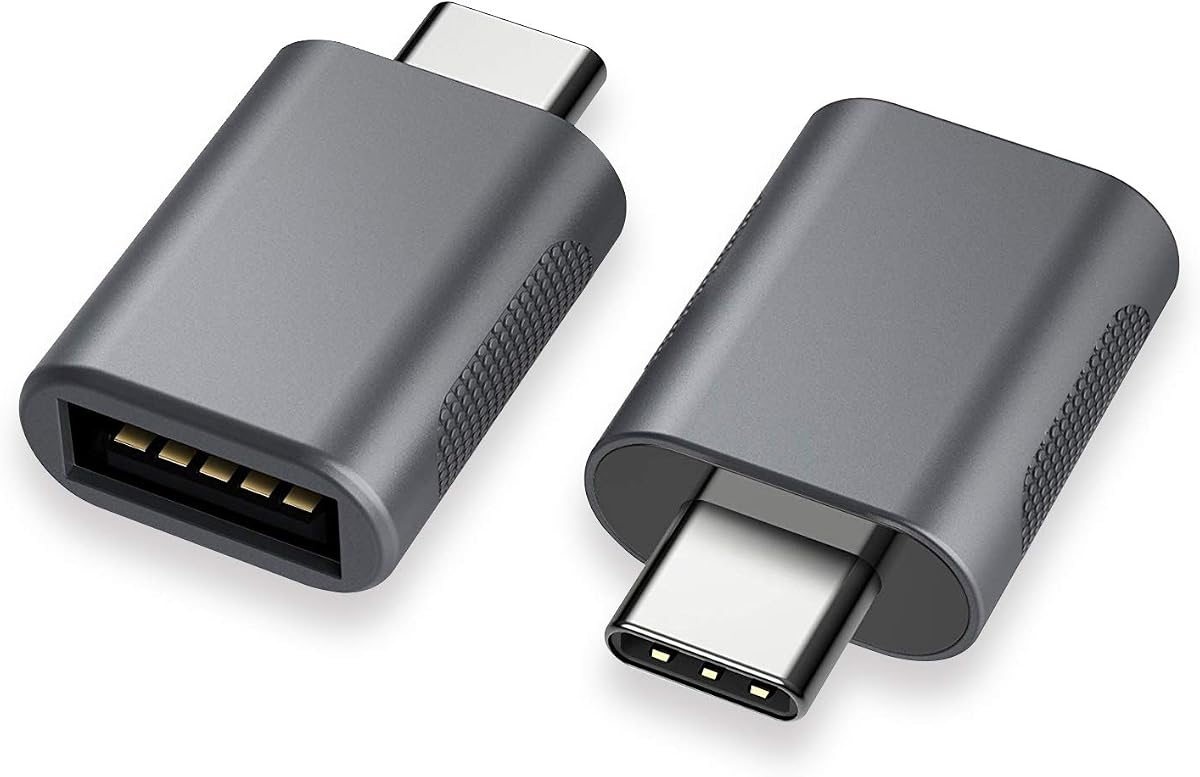
This Duyasurs pack offers incredible value with three adapters for a low price. Rated 4.6 stars, it brings high-speed data transfer to budget-conscious buyers without sacrificing essential functionality.
We may earn a commission when you buy through this link, at no additional cost to you.
Unique LED indicators show connection status, a feature rarely found at this price. The aluminum body protects internal components while remaining lightweight enough for travel in any bag.
The lack of included cables or fancy packaging is a minor trade-off for the savings. You get reliable connectivity for drives and mice without paying for features you might not need.
Buy this if you need multiple adapters for home, office, and travel at a low cost. It is perfect for students or anyone needing basic connectivity for legacy USB devices.
Mini LED indicators light up to confirm successful connections, reducing guesswork when plugging in devices.
Getting three adapters in one purchase ensures you always have a spare ready for any situation.
We may earn a commission when you buy through this link, at no additional cost to you.
UGREEN delivers top-tier performance with this 4-pack offering 10Gbps transfer speeds. This is essential for professionals dealing with large files regularly on their laptops or tablets.
We may earn a commission when you buy through this link, at no additional cost to you.
The ultra-slim design fits snugly next to each other and is small enough to carry everywhere. Aluminum alloy housing ensures the connectors stay sturdy even with frequent daily use.
While the small size is great for portability, it requires care to avoid losing them. The high speed support makes it ideal for modern devices that can handle faster transfer rates.
Choose this if speed and quantity are your main priorities. It suits creative professionals or anyone needing to move large datasets quickly without worrying about adapter availability.
Experience faster file movements with 10Gbps speeds that are perfect for modern high-performance devices.
Thumb-sized adapters are easy to slip into a pocket or bag for connectivity on the go.
We may earn a commission when you buy through this link, at no additional cost to you.
This adapter is unique with its female-to-female design for extending connections. Rated 4.6 stars, it serves a niche role for users needing to extend cables rather than convert them.
We may earn a commission when you buy through this link, at no additional cost to you.
Its 10Gbps speed matches top competitors, ensuring high performance when transferring data. Metal alloy connectors provide shielding and durability that protect signal clarity during long data sessions.
It is specialized for extension tasks which limits general use but excels in specific scenarios. The 4-pack ensures you have enough adapters for home, office, and backup uses.
Buy this if you specifically need to extend your USB cables without signal loss. It is a practical solution for setups requiring extra reach while maintaining high speed transfer.
The female-to-female configuration allows you to extend cables easily without needing extra connectors.
Metal alloy shells provide optimal shielding to maintain signal clarity during data transmission.
We may earn a commission when you buy through this link, at no additional cost to you.
This adapter is designed to work seamlessly with Thunderbolt 4 and 3 devices. With a 4.7 rating, it provides reliable connectivity for newer MacBooks and iPads requiring robust adapter support.
We may earn a commission when you buy through this link, at no additional cost to you.
The zinc alloy body prevents scratches and resists corrosion for long-term use. You get plug-and-play convenience without needing to install additional software or drivers on your system.
While it supports standard speeds, it is highly reliable for daily tasks like connecting drives. The lack of power delivery is common for this type of adapter but limits charging capabilities.
Choose this for reliable Thunderbolt compatibility on Apple devices. It is ideal for users needing a simple connection for peripherals on high-end laptops and tablets.
Works seamlessly with Thunderbolt 3 and 4 ports on modern laptops for reliable connectivity.
Zinc alloy construction ensures the adapter remains looking new even after regular use.
We may earn a commission when you buy through this link, at no additional cost to you.
This JXMOX adapter specializes in charging legacy devices with USB A ports. Rated 4.7 stars, it delivers safe and efficient charging for iPhones and iPads using older cables and chargers.
We may earn a commission when you buy through this link, at no additional cost to you.
It provides a 3A power output for rapid charging and includes a built-in resistor for safety. The USB 2.0 speed is adequate for data but designed primarily for power delivery.
Video signals are not supported here which keeps costs down and focuses on charging. This trade-off is acceptable for users who primarily need to charge devices using existing chargers.
Buy this if your main goal is charging older devices with USB A cables. It is perfect for travelers who need to use standard USB chargers with Type C devices.
Built-in resistors ensure safe charging by regulating current flow to protect your devices.
Works with a wide range of iPhones, iPads, and Android phones for versatile charging options.
We may earn a commission when you buy through this link, at no additional cost to you.
This set offers three adapters in different colors to match various devices. Rated 4.5 stars, it provides solid connectivity for laptops and phones requiring standard USB A access.
We may earn a commission when you buy through this link, at no additional cost to you.
The slim design ensures ports are not blocked and allows for side-by-side connections. Aluminum alloy housing resists interference and enhances the visual appeal of the adapter.
While the rating is slightly lower than others, the value of a multi-color pack is unique. The warranty adds peace of mind for buyers seeking budget-friendly options with some style.
Buy this if you want to organize your adapters by device or color. It is a practical choice for households with multiple devices needing different matching accessories.
Includes black, grey, and silver adapters to help you organize connections by device type.
Zinc alloy materials ensure stable connections by reducing electronic interference during data transfer.
We may earn a commission when you buy through this link, at no additional cost to you.
BENFEI is known for durability and this adapter reflects that with nylon braiding. Rated 4.6 stars, it stands up well to daily wear and tear from frequent plugging and unplugging.
We may earn a commission when you buy through this link, at no additional cost to you.
The aluminum alloy casing dissipates heat while keeping the adapter sturdy. Nickel-plated connectors resist corrosion ensuring a strong signal transmission even after months of use.
The 18-month warranty adds significant value for buyers who want long-term reliability. While the design is compact it may be slightly bulkier than ultra-slim competitors.
Choose this if you prioritize warranty and durability over extreme slimness. It is a great choice for heavy users who need reliable daily connectivity for work or school.
An exclusive 18-month unconditional warranty ensures satisfaction and support for your purchase.
Premium aluminum alloy helps keep the adapter cool during intense data transfer sessions.
We may earn a commission when you buy through this link, at no additional cost to you.
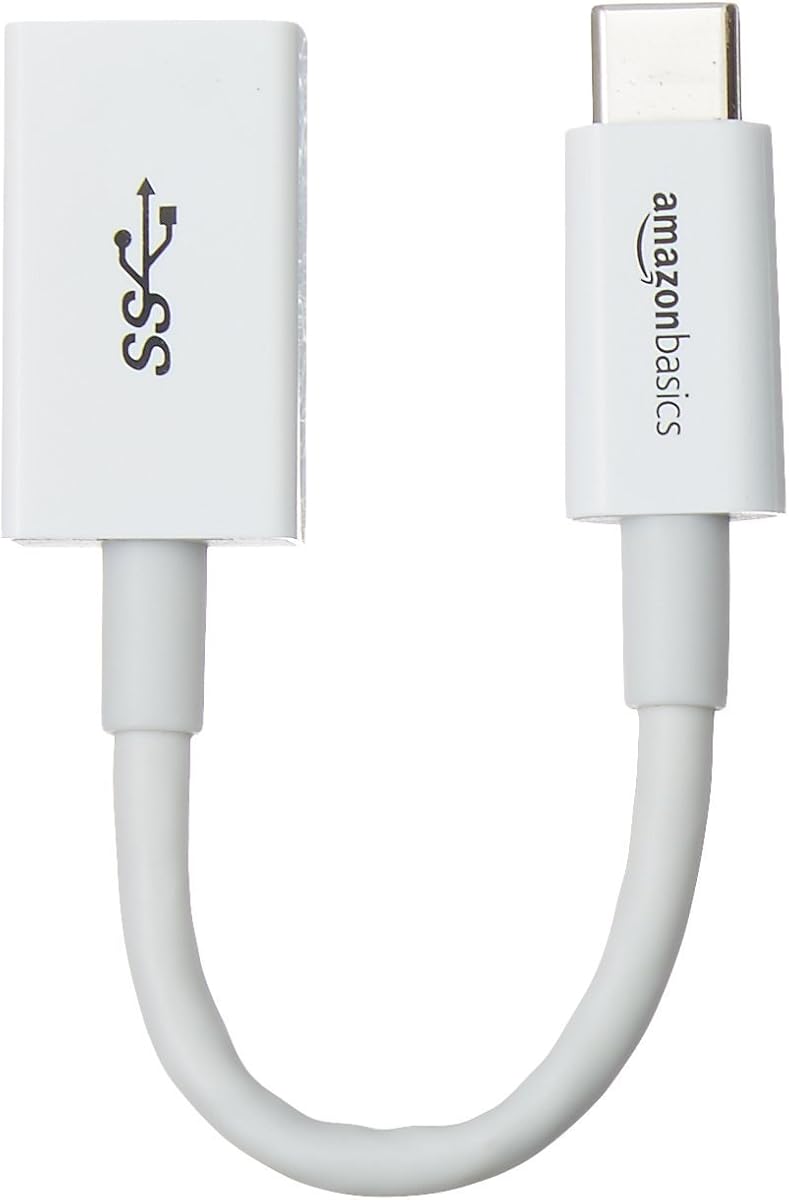
Amazon Basics offers a certified solution for safe connectivity with USB-IF approval. Rated 4.6 stars, this adapter ensures compliance with safety standards for reliable charging and data transfer.
We may earn a commission when you buy through this link, at no additional cost to you.
The 15W fast charging capability supports efficient power delivery to smartphones. Including a cable makes it ready for use immediately without buying extra accessories.
The cable adds a bit of bulk but allows for flexible positioning. It is a safe choice for general users who want an officially certified product from a trusted brand.
Buy this if official certification is a priority for your purchase. It is ideal for everyday use where safety and reliability are more important than specialized features.
USB-IF certification guarantees the adapter meets safety and quality standards for reliable use.
A 5.5 inch cable allows flexible positioning and reduces stress on the USB-C port.
We may earn a commission when you buy through this link, at no additional cost to you.
Selecting the right adapter involves understanding your specific device needs and compatibility requirements. This guide covers key factors to consider before purchasing.
Data transfer speed varies between USB 2.0 and USB 3.0/3.1 standards. If you move large files regularly, look for adapters supporting 5Gbps or higher speeds to avoid long wait times.
Choose a USB 3.0 or higher adapter for efficient file transfers and future-proofing your setup.
Durability depends on the materials used for the housing and connectors. Aluminum or zinc alloy bodies resist scratches and heat better than plastic options. Look for products rated for 10000 plug cycles.
Prioritize metal construction to ensure your adapter survives daily use without breaking.
Ensure the adapter matches your device port type such as USB-C or Thunderbolt. Some adapters support specific devices like MacBooks or Samsung Galaxy phones while others are universal.
Verify compatibility with your specific laptop or phone model before buying to avoid issues.
Not all adapters support charging capabilities beyond data transfer. Check if the adapter supports Power Delivery (PD) if you plan to charge your phone while using peripherals.
Select adapters with fast charging support if you need to power devices while transferring data.
Slim designs prevent blocking adjacent ports on modern laptops. Ultra-thin adapters are more portable and less likely to snap off when plugged in.
Choose a compact adapter to maintain portability and avoid obstructing other connections.
A good warranty indicates manufacturer confidence in the product. Look for offers ranging from 12 months to 18 months to protect your investment.
Prioritize brands with strong customer support and warranty policies for peace of mind.
USB-IF certification ensures the adapter meets safety and quality standards. Certified products reduce risks of damaging your devices with unsafe connections.
Look for USB-IF certified adapters to ensure safe and reliable connectivity.
Buying adapters in packs of 2 or more offers better value. Keep one at home, one at work, and one for travel to avoid running out.
Consider multi-pack options to ensure you always have a backup adapter available.
Insert the adapter firmly into your USB-C port until you hear a click. Ensure the connector is oriented correctly to prevent damage to the port.
Plug your USB device into the adapter's female port. If the device is not recognized, try unplugging and replugging or restarting your computer.
Keep the adapter clean and dry. Dust and lint can interfere with connections, so use a soft dry cloth to clean it when needed.
Standard adapters designed for data transfer do not support fast charging protocols. If you need to charge your device, look for an adapter specifically supporting Power Delivery (PD) and fast charging specs.
Most basic female USB adapters do not support video output. For connecting external monitors, ensure you purchase an adapter that explicitly supports video or DisplayPort functionality.
Yes, many of these adapters are designed for MacBooks with USB-C ports. Check the compatibility list to confirm it supports your specific MacBook model year.
These adapters typically allow one device connection at a time. To connect multiple devices, you will need a USB hub that supports multi-device connectivity.
Most adapters are plug-and-play requiring no driver installation. They work automatically with modern operating systems like Windows and macOS once plugged in.
USB 3.1 offers faster speeds up to 10Gbps compared to 5Gbps on USB 3.0. Ensure your device supports the higher speed to fully benefit from USB 3.1 adapters.
Higher prices often reflect better materials like aluminum and longer warranties. Premium brands also invest in more rigorous testing which improves reliability and customer service.
Yes, that is their main purpose. They convert the USB-C port to a standard USB-A port so you can connect keyboards, drives, and other legacy accessories.
We reviewed ten top models ranging from budget packs to premium choices. The Anker and UGREEN options stand out for durability while Duyasurs offers the best value for money.
Prioritize transfer speed and build materials when making your decision. For MacBooks, choose slim adapters that do not block ports while ensuring you need fast data rates.
Prices fluctuate often so check current deals before you buy. With the right adapter you can extend the life of your older USB accessories without hassle.